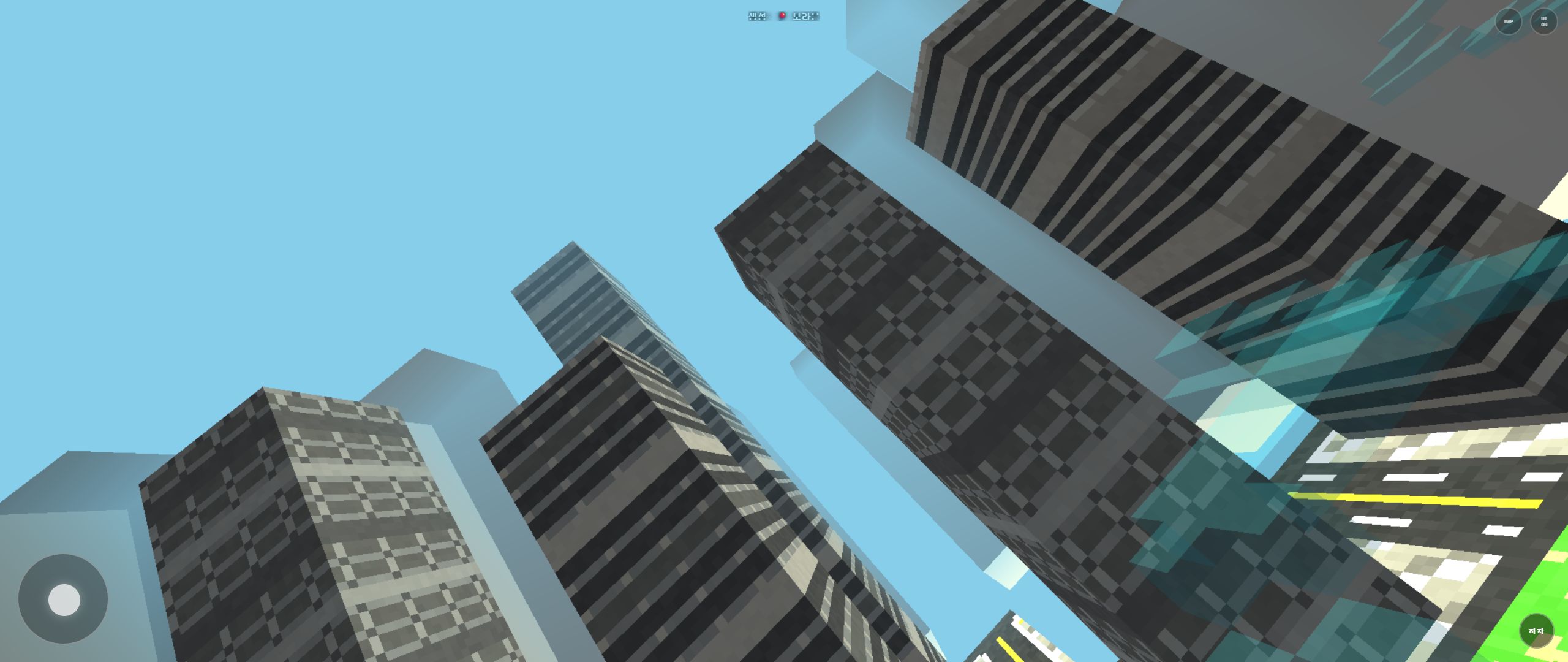
Manhattan in Rail Planet: Central Park, Landmarks, and Night Mode
Written and reviewed by: Moashoo Rail Planet Development Team
Tested build: 2026-10-12 production build · Tested on: Chrome desktop on Windows, Mobile Android Chrome
Language status: Original
Manhattan is the first map most players see, and the densest one in the game. This guide covers what the map is built around, how the landmarks behave, and what to expect from day/night mode — plus the one setting rule that only applies here.
Where you spawn
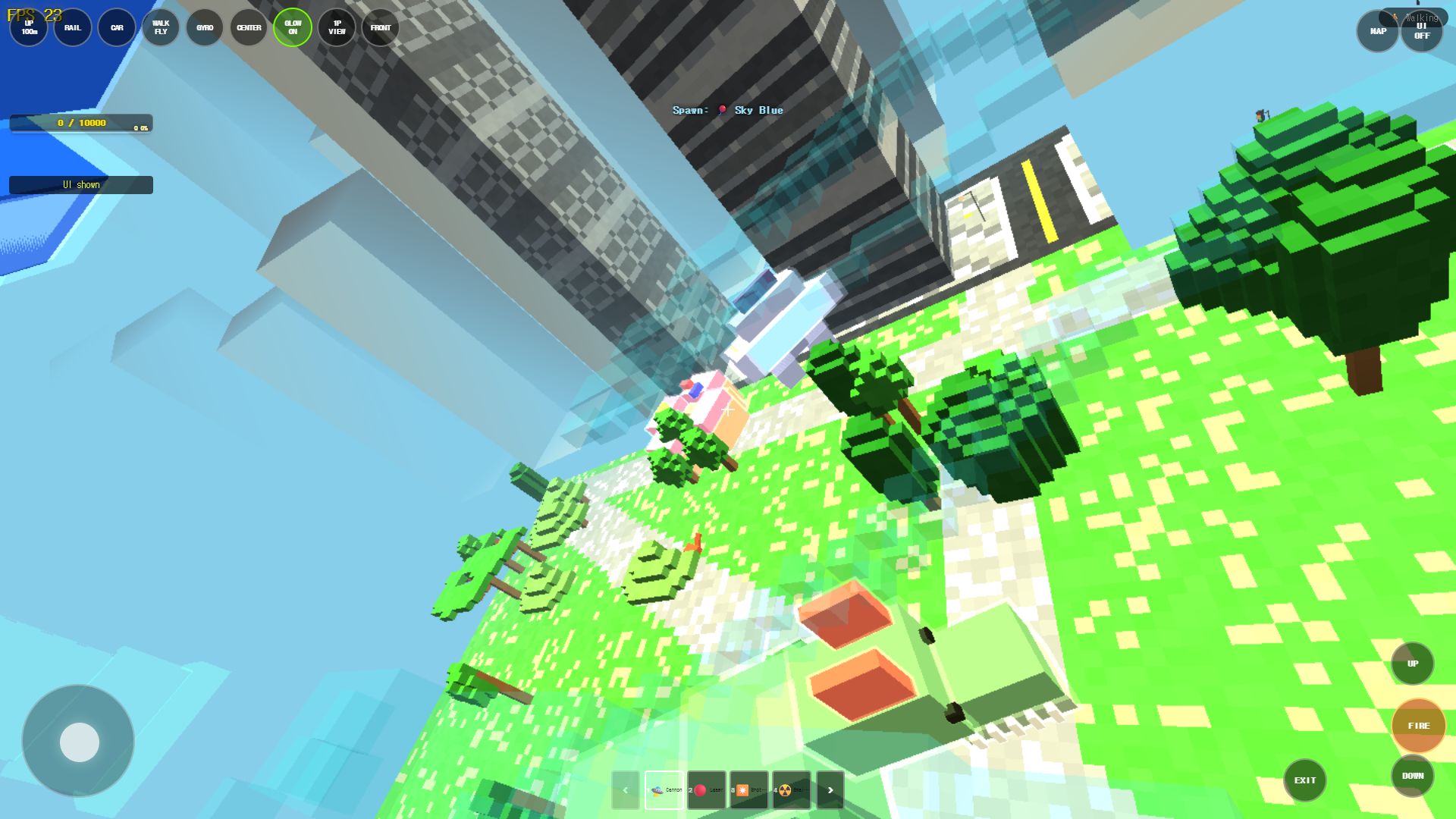
You start in the center of Central Park — a large green landmark with walking paths, street lamps, and trees. The park is your orientation anchor: if you can find the park, you can find everything.
Manhattan island is surrounded by rivers (not open sea), and the mainland on the far side shows coastal roads and beach greenery. Buildings on the mainland stay distant — they are scenery, not play space.
The three protected landmarks
Manhattan has three landmarks you cannot destroy:
- Statue of Liberty — standing on its own small island, close enough that both Manhattan and the mainland are visible from it.
- Brooklyn bridges — several cross the river between Manhattan and the mainland.
- Empire State Building — kept as a solo landmark with the surrounding blocks cleared around it.
All three carry colored shell glows, like Namsan Tower in the Seoul map. They are the map's navigation anchors: if you can see one of them, you know which way you are facing.
Building detail: near vs far (LOD Promotion System)
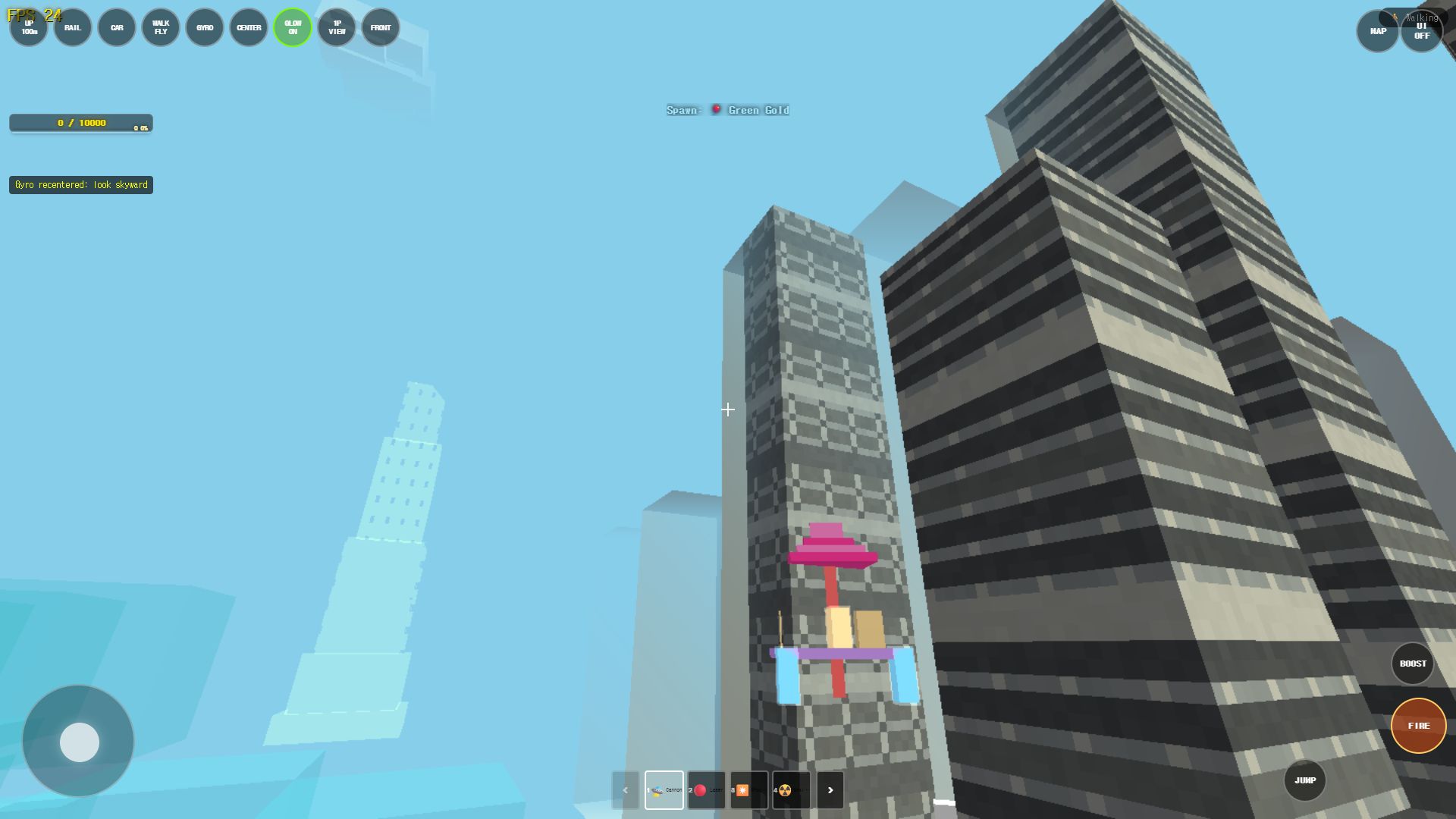
Central Park's perimeter buildings render immediately in full voxel detail with window recesses and collision boundaries. The rest of Manhattan's vast skyline uses low-poly distant LOD meshes by default.
The game promotes individual buildings to full physical detail dynamically when either:
- You approach within a 45-meter proximity threshold, or
- A projectile (Cannon or Laser) strikes the structure, triggering the destruction worker to calculate block fracture patterns.
That split keeps the entire island skyline visible without paying the full rendering cost for all 1,200+ city structures simultaneously.
Day and night: how glow behaves
Manhattan's glow rules are special:
- Daytime: object glow defaults to OFF.
- Night: glow switches ON automatically.
- Manual override wins: if you toggle glow yourself, your choice sticks.
If you want the glowing-landmark look during the day, turn glow on manually. If you need performance at night, turn it off and your choice will be remembered.
Traffic
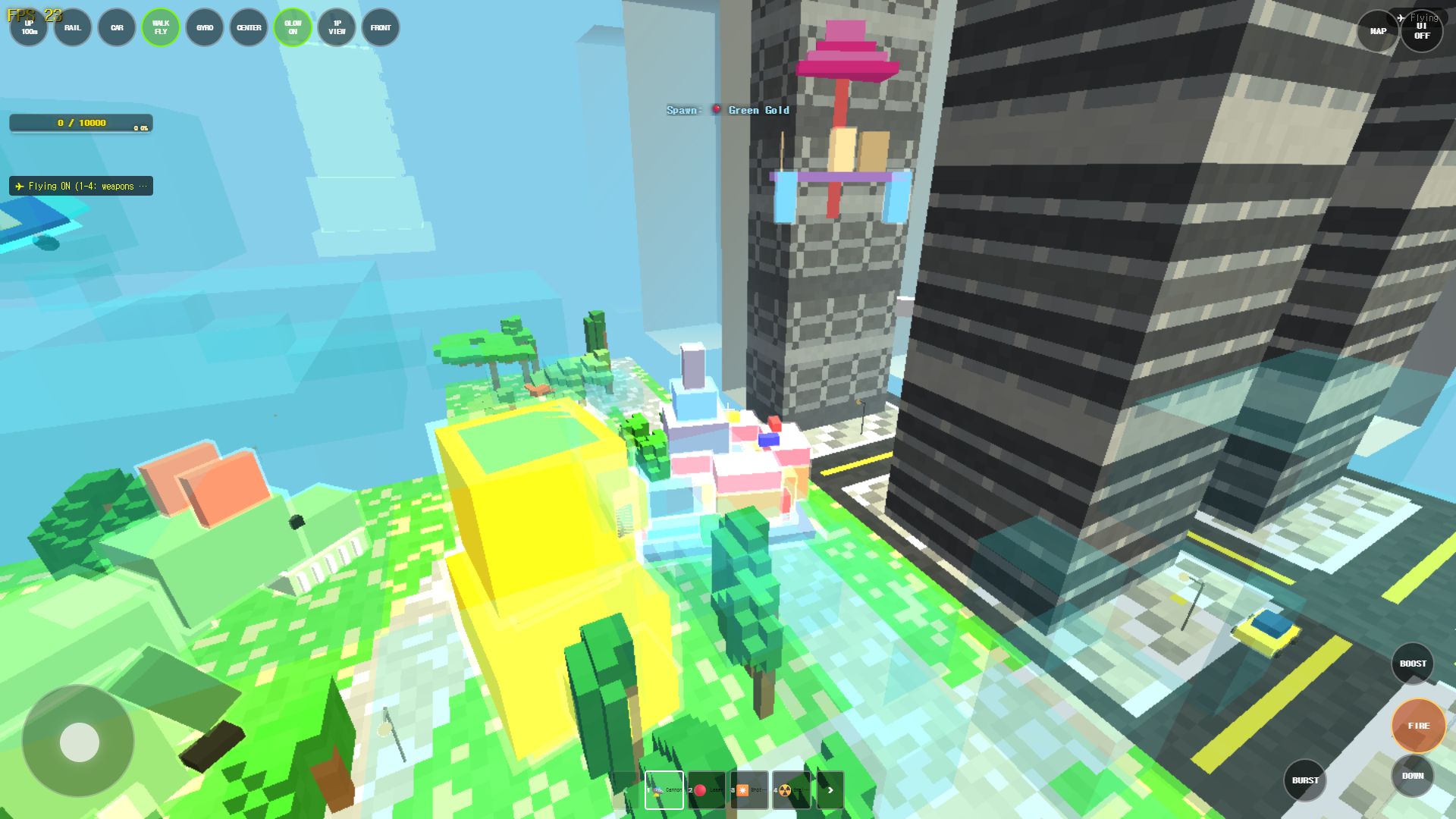
Manhattan keeps far fewer small cars than the Seoul map — roughly one tenth as many. Cars still drive on the roads, but the streets are deliberately calmer than Seoul's.
The mobile rule
On mobile devices, Manhattan forces render distance to 5. This is the only map with a forced value, and it exists purely for performance: the building count here is much higher than anywhere else. Your render distance setting works normally on every other map.
A good first route
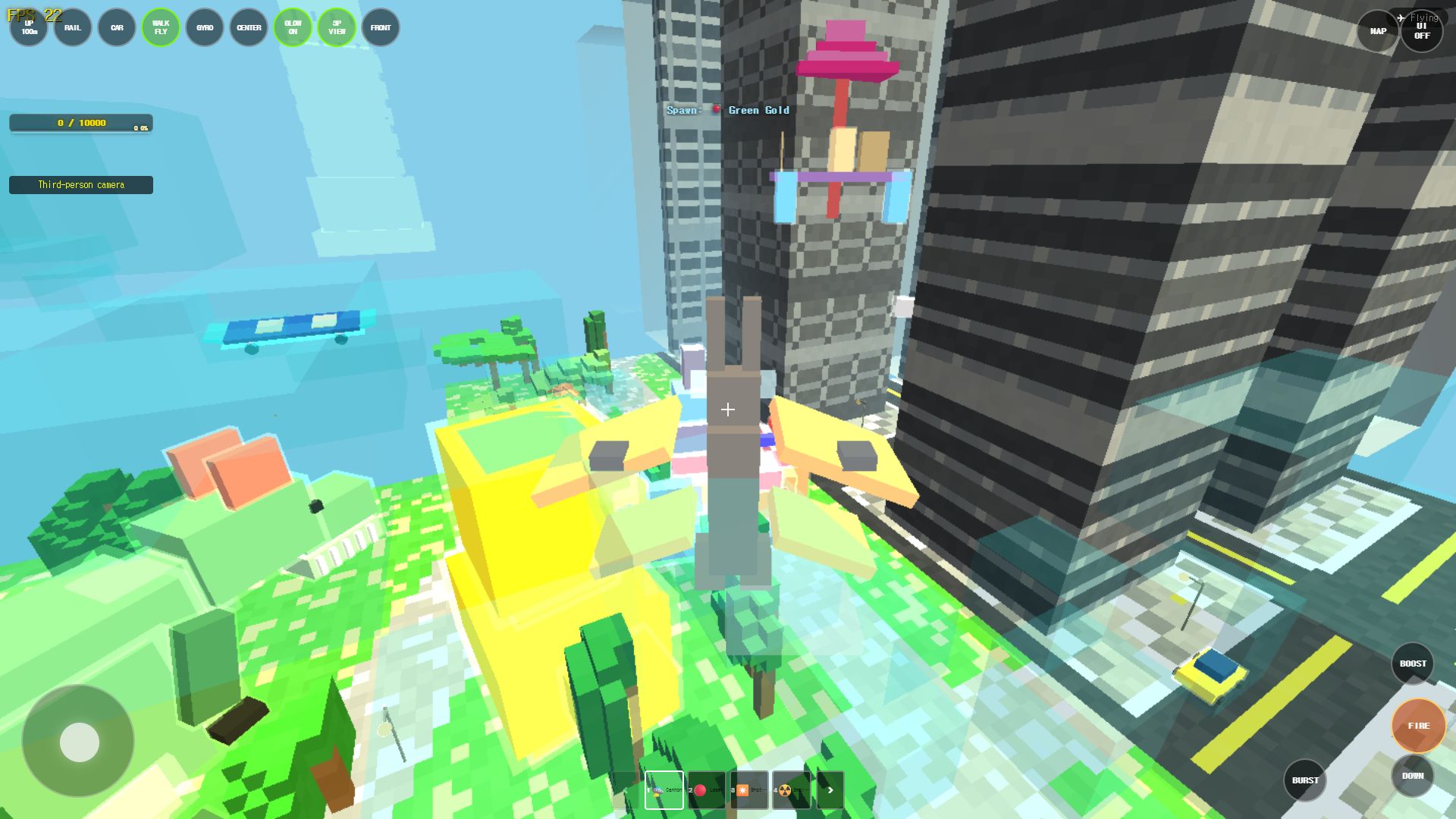
Central Park spawn
→ walk the park paths, note the lamps and trees
→ head to the park edge, watch the near-detail buildings
→ find the Empire State Building (cleared area, solo tower)
→ go to the waterfront, spot the Statue of Liberty's island
→ cross toward a Brooklyn bridge at night, when glows are on
Frequently asked questions
Q. Why does Manhattan run with lower render distance on my phone?
The map's building count is the highest in the game, so mobile devices are forced to render distance 5 here. This is automatic and only applies to Manhattan.
Q. Can I destroy the Statue of Liberty or Empire State Building?
No — all three landmarks are protected. They glow instead, which is how you use them for navigation.
Q. Why are most buildings flat-looking until I get close?
The skyline uses distant LOD by default. Buildings near Central Park are full detail, and any building you start interacting with gets promoted to full detail.
Q. Does glow stay on after night ends?
Glow defaults to off in the daytime. If you turned it on manually, your manual choice is kept regardless of time of day.
Play the related Rail Planet maps
Continue from this field-tested guide into the original browser game developed by Moashoo.
Related guides
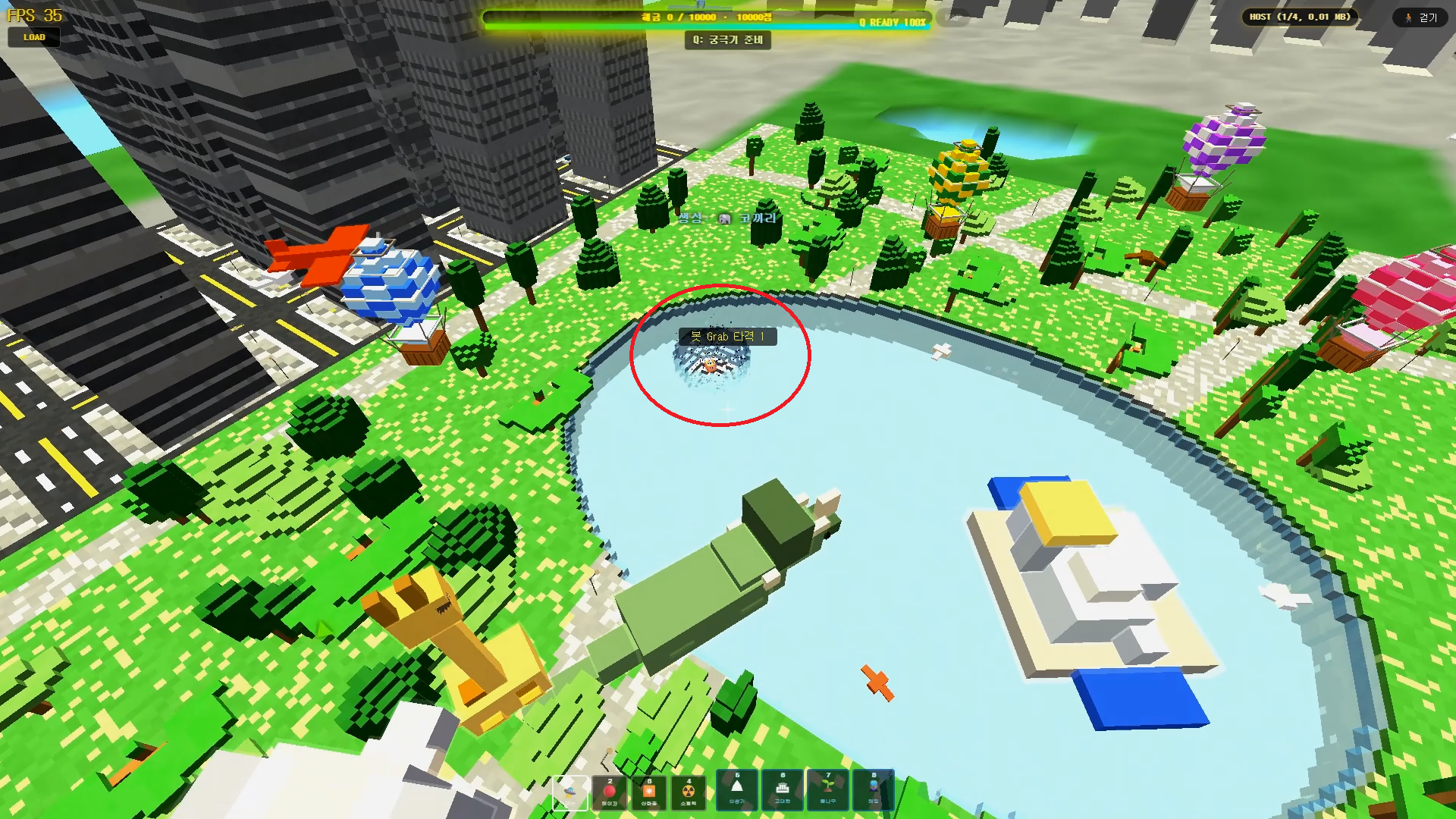
Rail Planet Close-Combat Guide: Grab, Lift, and Throw an Enemy Into the Sky
Rail Planet is not just a shooting game. Learn how the close-combat Grab system works — snap back at a target, chain vertical jumps, and slam an enemy into the ground or a lake. Works against bots and multiplayer players, with no eliminations and no end to the fun.
Read guidearrow_forward
How to Report Bugs and Issues in Rail Planet
How to report reproducible bugs in Rail Planet, along with resolved engineering notes, known platform behaviors, and memory optimization insights.
Read guidearrow_forward
Rail Planet Controls: Walk, Fly, Drive, and Ride the Rails
Master Rail Planet's movement and combat: two distinct spawn modes, walking, flying, vehicle driving, automatic rails, weapons, and terrain skills. Tested on the October 12 menu build.
Read guidearrow_forward