Rail Planet Close-Combat Guide: Grab, Lift, and Throw an Enemy Into the Sky
Written and reviewed by: Moashoo Rail Planet Development Team
Tested build: 2026-10-12 production build · Tested on: Chrome desktop on Windows, Mobile Android Chrome
Language status: Original
Rail Planet looks like a pure first-person shooter at first glance: you aim, you fire, and explosions reshape the world. But there is a whole second layer hidden under the surface — close combat. When an enemy gets close, the game stops being about who shoots first and becomes a wrestling match in the sky. You can grab another character by the scruff, lift them through three rising jumps, and hurl them down into the ground or a lake with a heavy, satisfying slam.
This guide explains the Grab & Throw system from the very first moment you spot a target to the victim's stunned escape. It is written for beginners, uses the Manhattan map as the example, and works in both single-player (against bots) and multiplayer (against remote players).
Quick summary
- Grab is a close-range skill. It only activates when you are near a target, not at shooting range.
- Build "snapback" first. Press the left mouse (or FIRE) to stack snapback progress. At full stacks you can start the Grab.
- Lift with repeated clicks. Once the Grab connects, keep clicking to chain vertical jumps and rise with the enemy.
- Throw by aiming. At height, point your mouse where you want the enemy to land, then throw them down.
- It carves the terrain. The landing digs a crater and, near water, throws the victim straight into the lake.
- No eliminations. Victims are stunned, not removed, so the fight can repeat endlessly.
1. Spot your target: the green triangle
The Grab fight starts before any button is pressed — it starts with reading the screen.
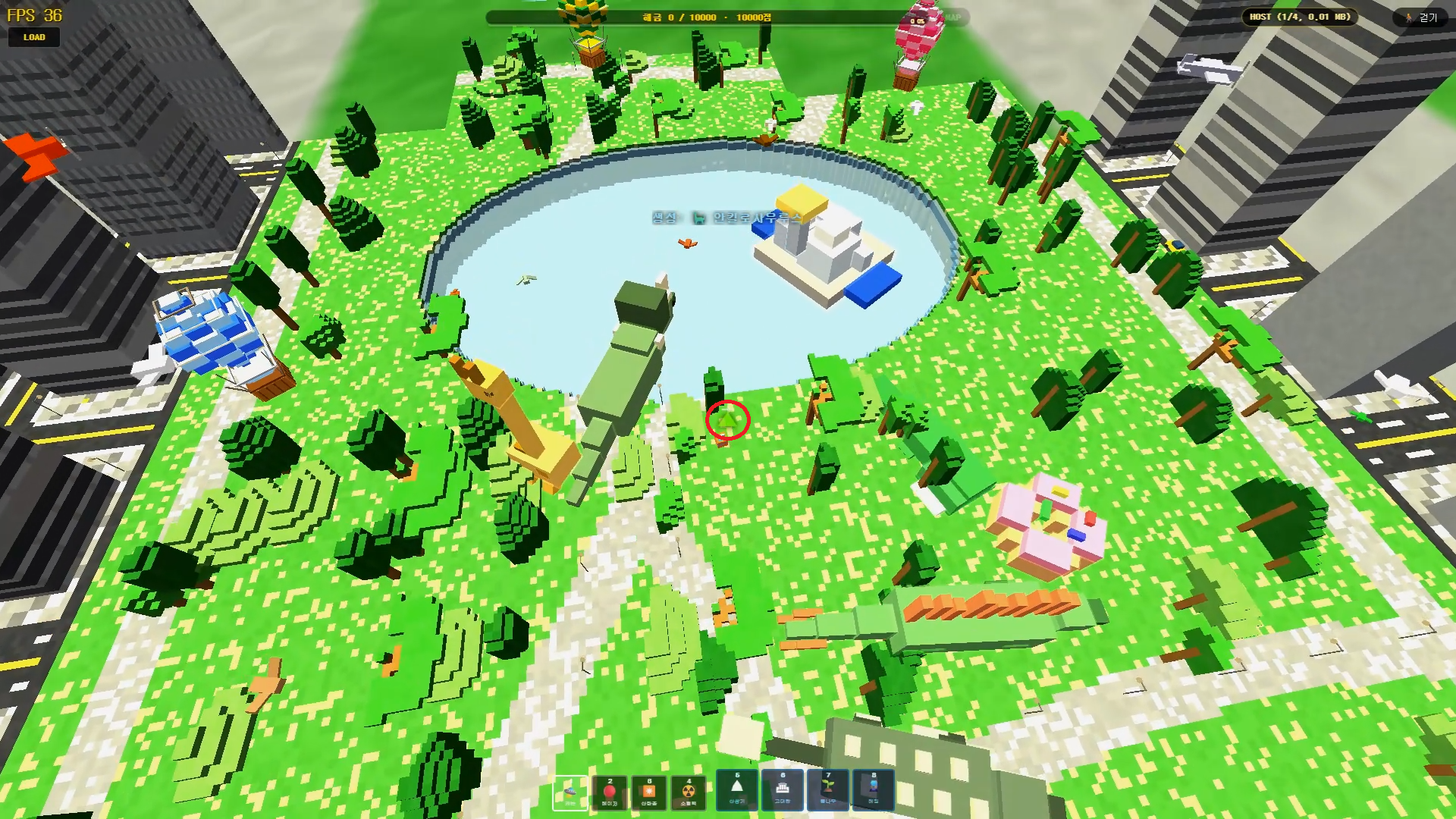
When you are airborne and scanning the area, watch the center of the screen. As soon as an enemy is close enough to be a melee candidate, a green triangle marker (▲) appears and points at them. That marker is your signal: "this target is now within Grab range."
In the screenshot above, the Manhattan skyline fills the background and the green marker locks onto an enemy. The moment you see that triangle, you know the fight can go physical — you do not have to keep shooting from a distance.
Why this matters: In a shooter you are trained to keep enemies far away. Rail Planet rewards the opposite. When the green triangle appears, the game is telling you the interesting option is to get closer, not farther.
2. Build snapback: the counter that unlocks the Grab
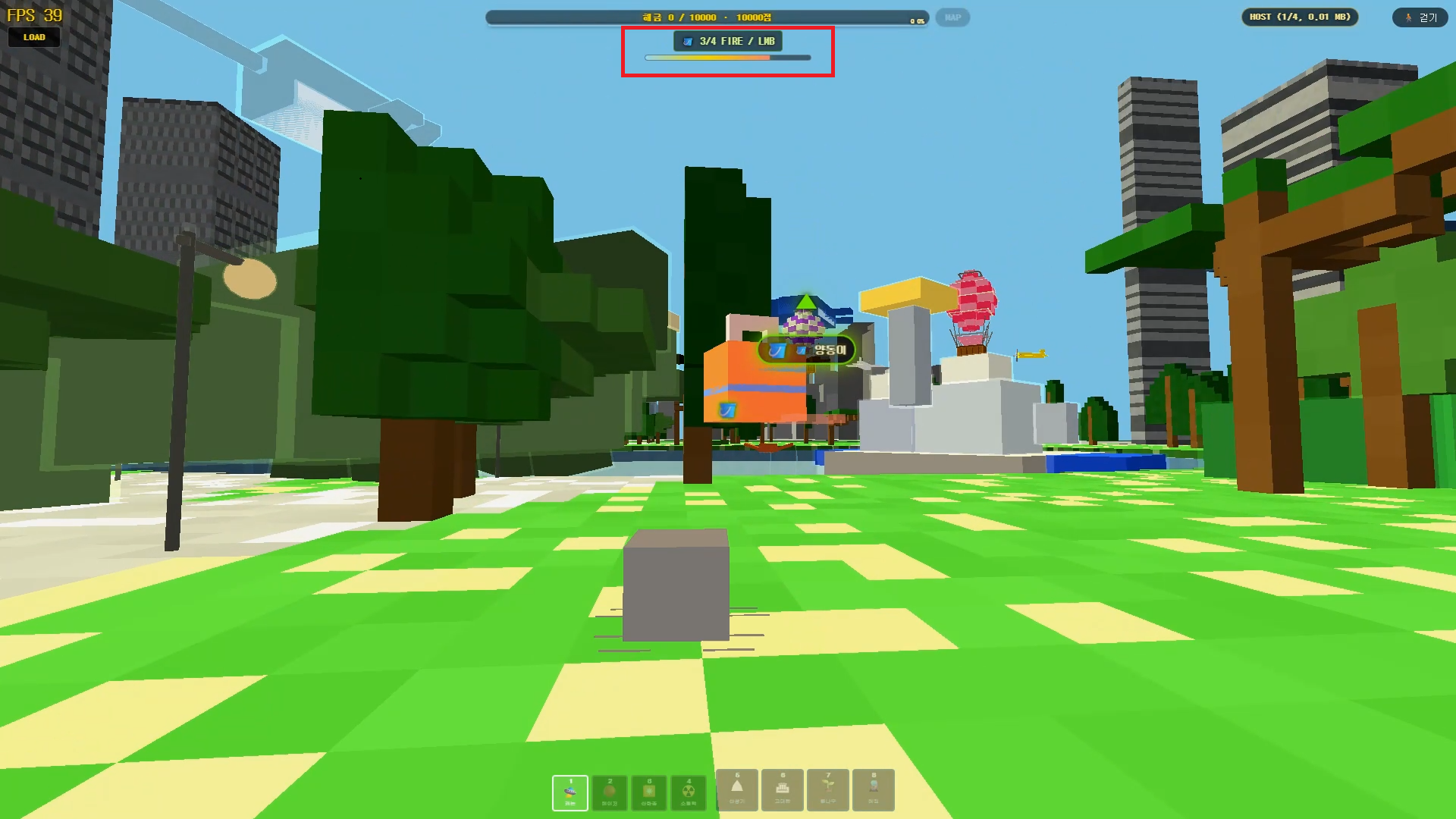
Before you can grab someone, you have to prove you can land blows on them. The game tracks this with a snapback counter in the top of the screen.
In the screenshot the counter reads 3/4 — three of the four stacks needed to unlock the Grab are filled. Each successful close-range hit adds a stack, and you build stacks with the left mouse button (or FIRE).
There is an important rule about where you can build snapback:
- Against multiplayer players: snapback only activates when you are behind them, on their back side. You have to get around your opponent to start stacking.
- Against bots: the check is easier. Bots can build snapback from any direction, all 360 degrees, as long as they are in close range.
So in single-player, swing around and start clicking; in multiplayer, circle around to an enemy's flank or rear before committing.
Beginner tip: four stacks sounds like a lot, but it fills quickly once you are in range. Do not panic-click — close in, land your hits, and watch the counter fill to 4/4.
3. Start the Grab and lift: the "lapel uppercut" feel
Once the snapback counter is full, the Grab is available. This is where Rail Planet's close combat stops feeling like a shooter and starts feeling like a wrestling move.
After the Grab connects, keep pressing the left mouse button. Each click chains another vertical jump, carrying you and the enemy upward together. The motion reads like grabbing someone by the collar and lifting them with a series of uppercuts — every jump stacks on the last, so you climb higher and higher with your victim.
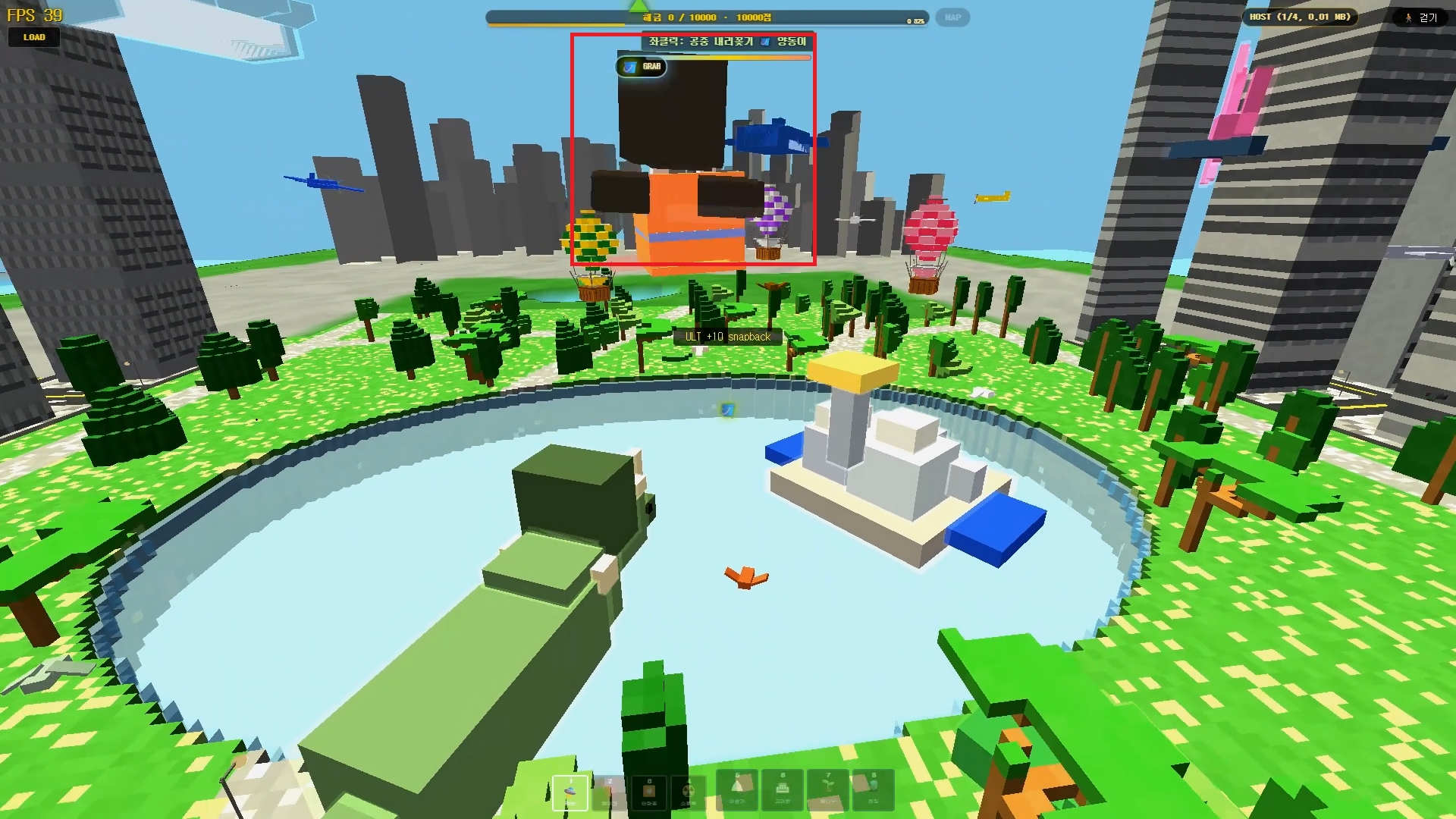
The screenshot shows the Grab in progress. Notice the active-Grab indicator at the top of the screen — it tells you the lift is live and you are in control of the climb.
What makes it feel good: the height is not instant. You feel each jump, each rise, and the growing tension of "how high am I going to take this person?" By the time you stop clicking, you are high enough that the throw that follows has real weight.
4. Aim and throw: the downward slam
At the top of the lift, the move flips from "up" to "down." You point your mouse where you want the target to land and throw them toward that spot.
The throw is a fast, near-vertical drop — visually the enemy is slammed straight down into whatever is below. If you aim at open ground, they carve a crater on impact. If you aim at a water surface, they go straight into the lake.
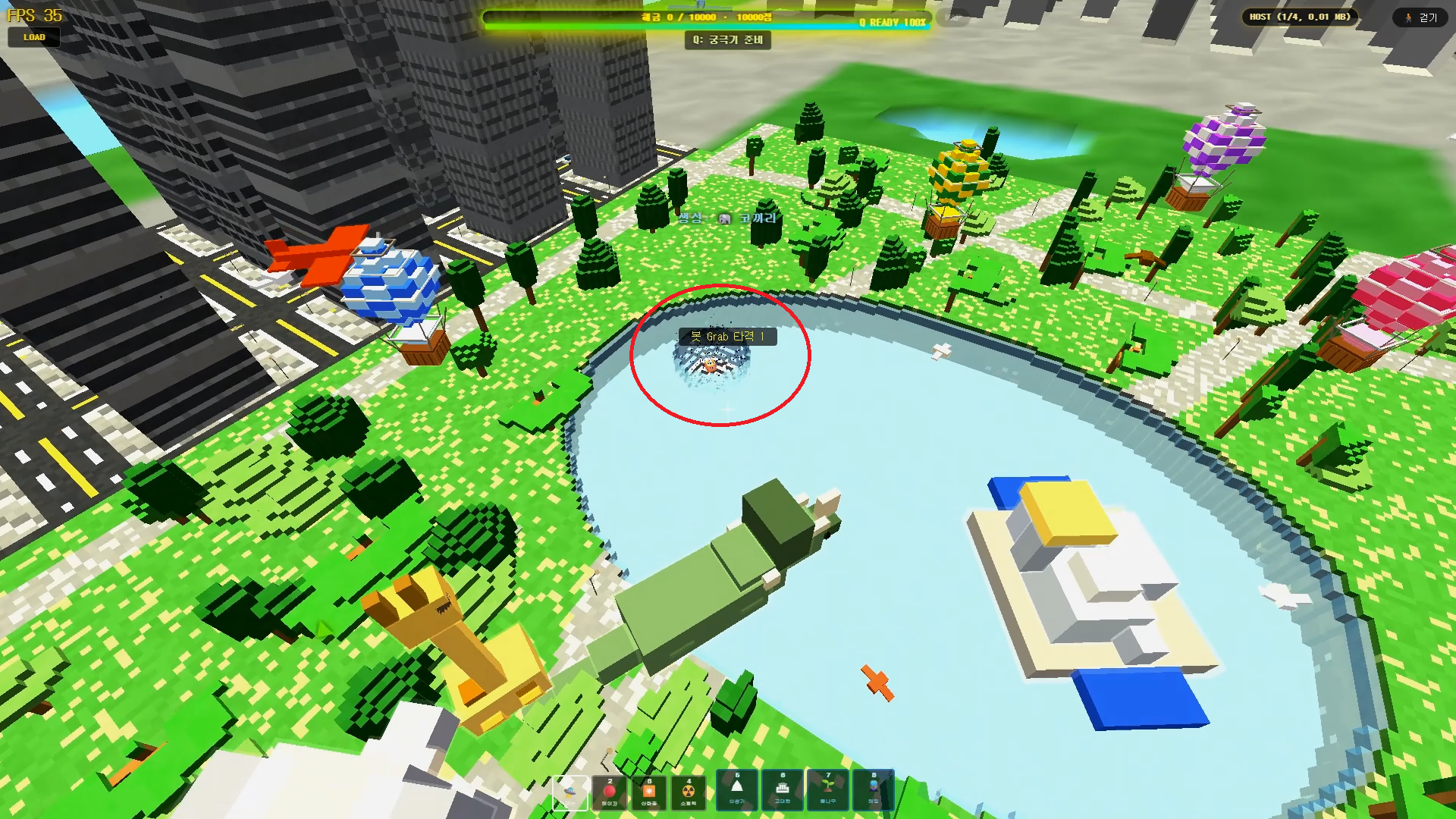
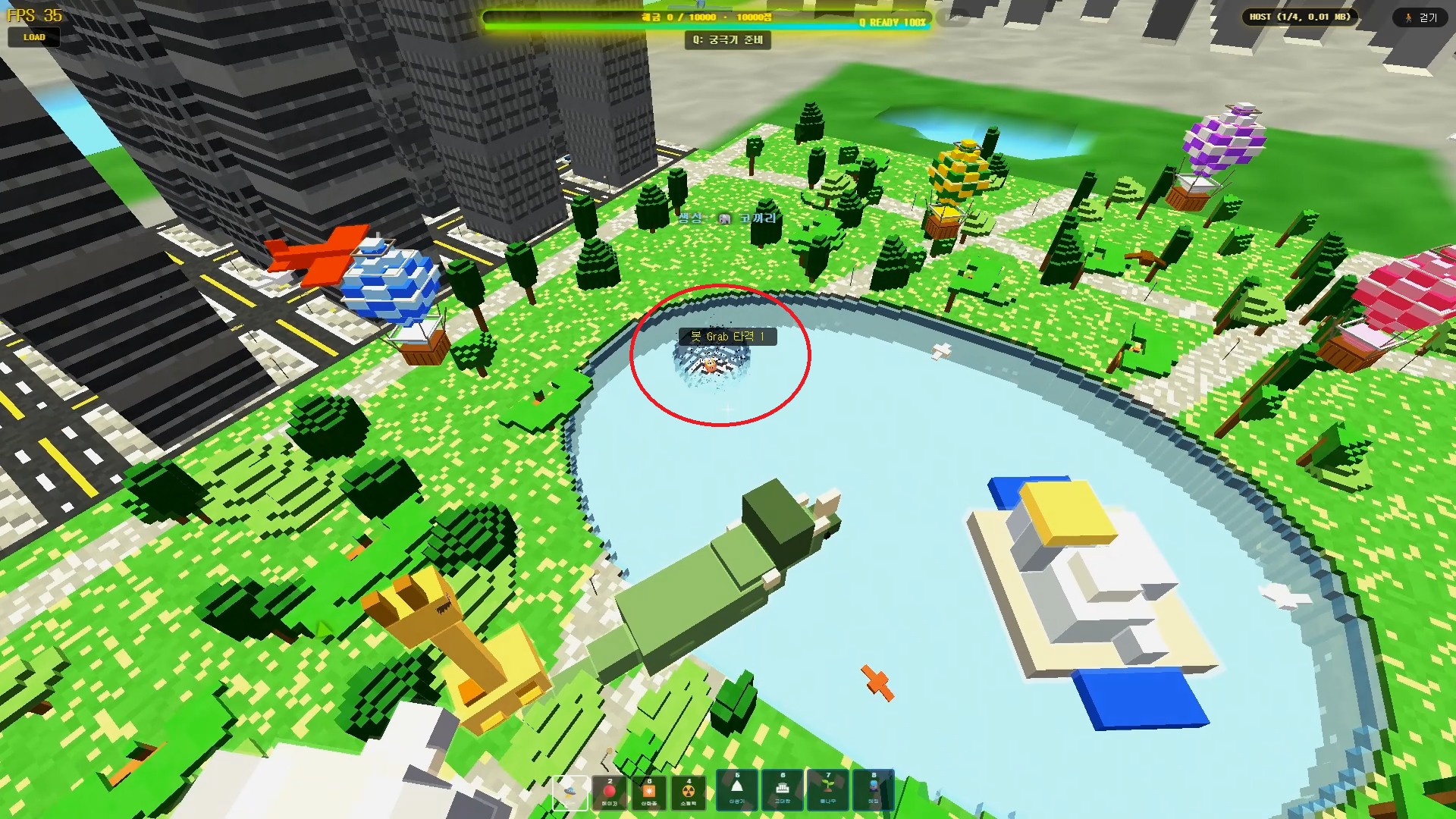
In the screenshot, the target has been dumped into the water and the impact has left a battle crater in the surrounding terrain. The moment is over in a flash, but the terrain keeps the evidence.
A note on the trail: the thrown enemy leaves a brief translucent afterimage as they fly, so the arc reads clearly as a projectile sailing toward the landing point. That trail usually does not show up in a still screenshot — you have to see it live to appreciate how fast the throw happens.
Why aim carefully: the landing site is your choice. Drop them on land for a crater, or drop them in water for a splash. Either way, the terrain visibly remembers the impact, which makes each throw feel like real destruction rather than a canned animation.
5. The victim's side: 15 seconds of no control
The move is not over when the enemy lands. This is the part that makes Grab & Throw feel brutal: the victim is stunned and loses control.
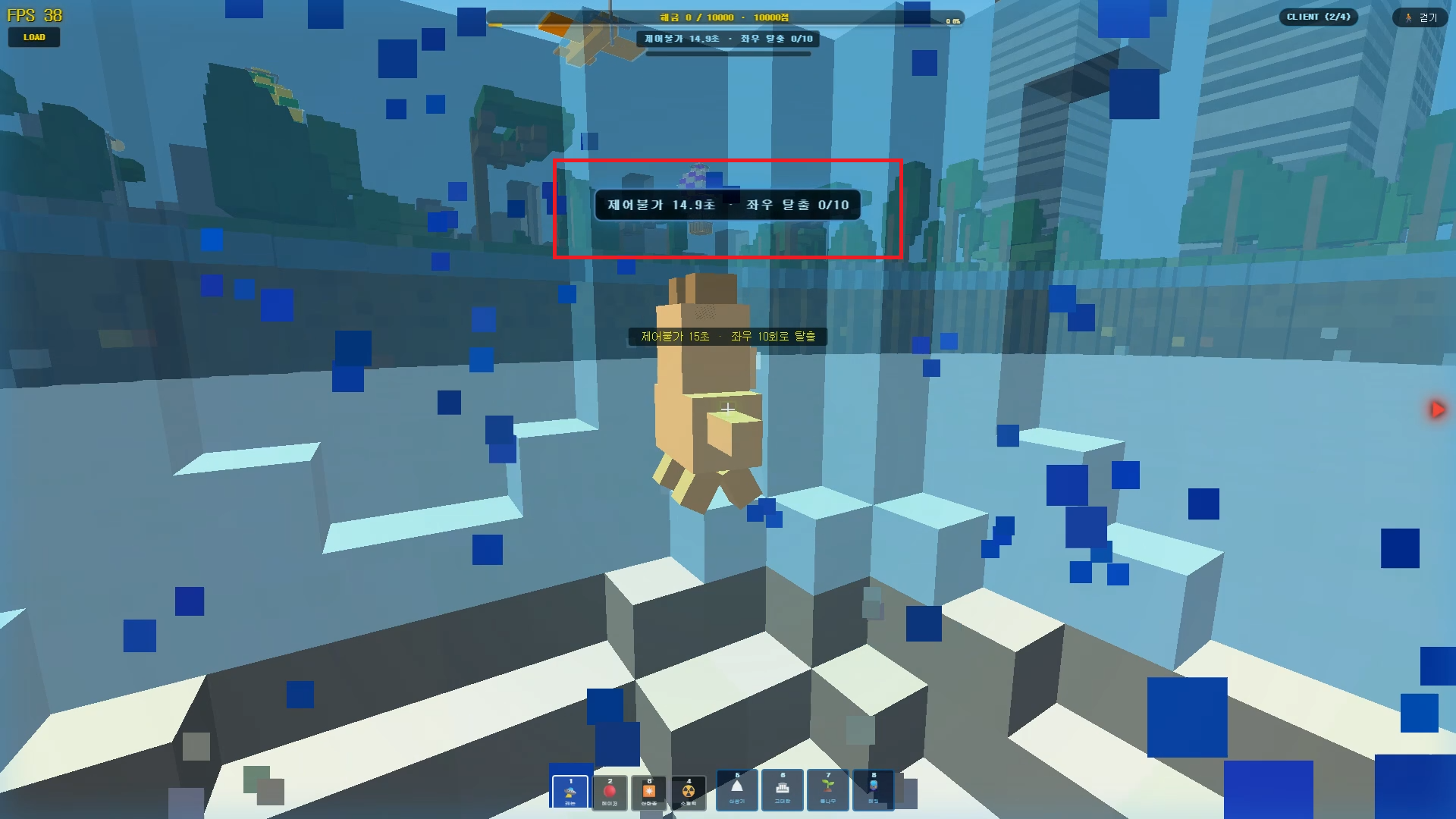
From the victim's point of view, the screen shows a "no control" state that lasts 15 seconds. During that time they cannot move freely — they are embedded in the ground or water, helpless.
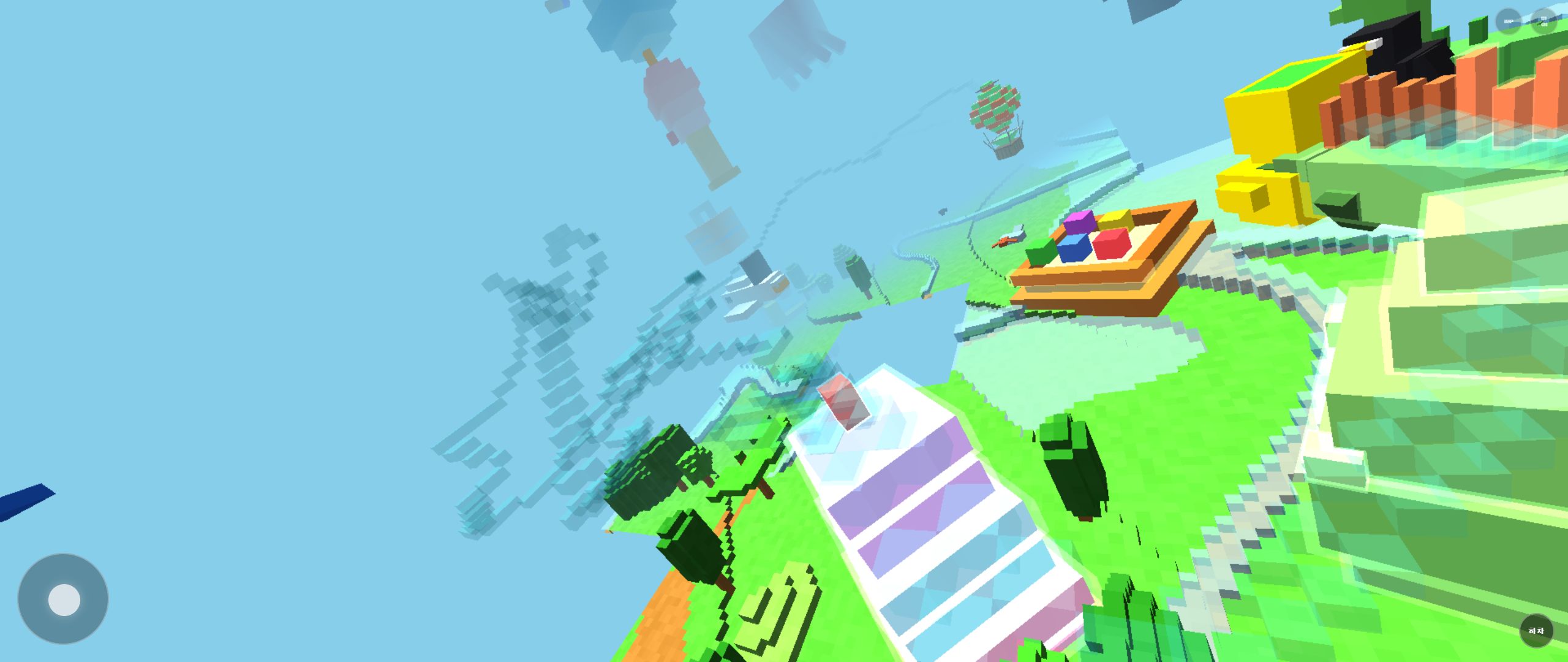
The screenshot shows the victim's screen during the stun: the control lock is active, and the escape counter is visible.
There is an escape, but it costs effort. The victim can shorten the stun by waggling left and right — 10 inputs of left and right (20 total taps). Mash the escape keys and the lock breaks early; do nothing and you sit through most of the 15 seconds.
Why this is a good system: the stun is not infinite, and an active victim can escape, so there is counterplay. But those 15 seconds are a long, vulnerable window — exactly the opening a Grab attacker wants to repeat the move, or set up another target.
6. Why there is no end to the fun: no eliminations
Here is the twist that makes Rail Planet's close combat different from most shooters: Grab & Throw never eliminates anyone.
- The victim is stunned, not removed. They always come back under control.
- Because nobody is deleted, you can Grab the same enemy again and again, endlessly.
- This works against both bots and multiplayer players, so the loop is available in every mode.
The result is a combat style that is less about racking up kills and more about style and repetition. You are not trying to delete your opponent — you are trying to out-wrestle them, throw them into the lake, get thrown back, and laugh about it. The match never ends because of a Grab; it just keeps offering you another throw.
Quick reference
| Step | Action | What you see |
|---|---|---|
| 1. Scan | Get close to an enemy | Green triangle ▲ marks the melee target |
| 2. Stack | Left-click to build snapback | Counter fills to 4/4 (multiplayer: from behind; bots: any direction) |
| 3. Lift | Keep left-clicking after Grab | You and enemy rise through chained jumps; active-Grab indicator on top |
| 4. Throw | Aim your mouse down | Enemy slams into ground (crater) or water (splash), with an afterimage trail |
| 5. Stun | Watch the victim | Victim locked for 15s; they can escape by wagging left/right 10× (20 taps) |
| 6. Repeat | No eliminations | Grab the same enemy again, endlessly |
FAQ
Do I have to be a certain distance away?
Yes — Grab is a close-range skill. The green triangle appears only when an enemy is within melee range, so you cannot trigger it from shooting distance.
Can I use Grab on bots in single-player?
Yes. Bots are valid Grab targets, and they even make snapback easier because they can be locked from any direction.
Does the victim die?
No. Grab & Throw stuns the victim for up to 15 seconds but never eliminates them, so the fight can repeat indefinitely.
Can I choose where to throw?
Yes. Point your mouse at the landing spot during the throw. Aim at land for a crater, or at water for a splash.
How do I escape as the victim?
Wag left and right — 10 inputs each side (20 total taps) — to break the control lock early instead of waiting out the full 15 seconds.
Related guides
Play the related Rail Planet maps
Continue from this field-tested guide into the original browser game developed by Moashoo.
Related guides
How to Report Bugs and Issues in Rail Planet
How to report reproducible bugs in Rail Planet, along with resolved engineering notes, known platform behaviors, and memory optimization insights.
Read guidearrow_forward
Rail Planet Controls: Walk, Fly, Drive, and Ride the Rails
Master Rail Planet's movement and combat: two distinct spawn modes, walking, flying, vehicle driving, automatic rails, weapons, and terrain skills. Tested on the October 12 menu build.
Read guidearrow_forward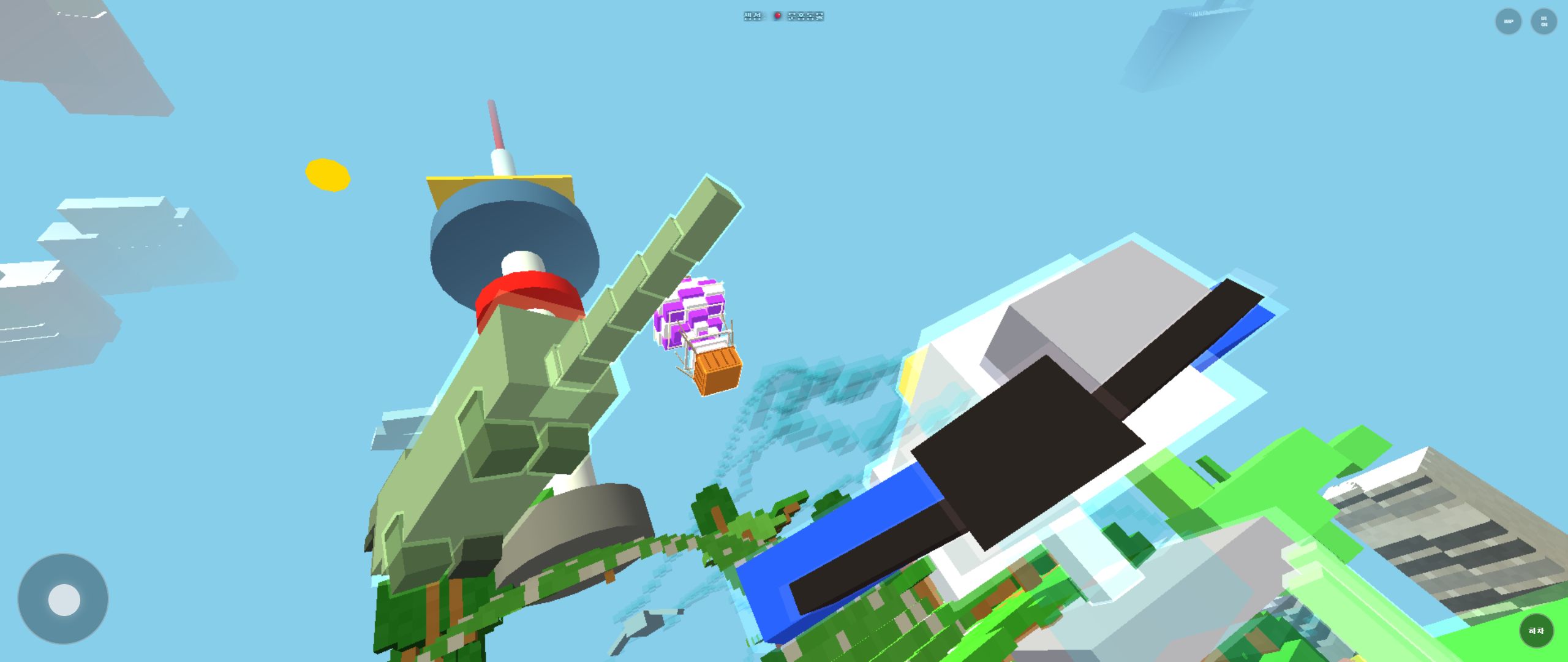
Rail Planet First-Play Guide: Finding Your Way Around the City Park Map
What to do in your first ten minutes of Rail Planet: locate the pond, the yellow landmark, and tall buildings, then move between aerial and ground views without getting lost.
Read guidearrow_forward