How to Report Bugs and Issues in Rail Planet
Written and reviewed by: Moashoo Rail Planet Development Team
Tested build: 2026-10-12 production build · Tested on: Chrome desktop on Windows, Mobile Android Chrome
Language status: Original
Rail Planet is an active project with regular updates, and bugs happen. If you find a problem — a map that does not load, a control that stops working, or an object that behaves strangely — this guide explains how to report it so we can fix it.
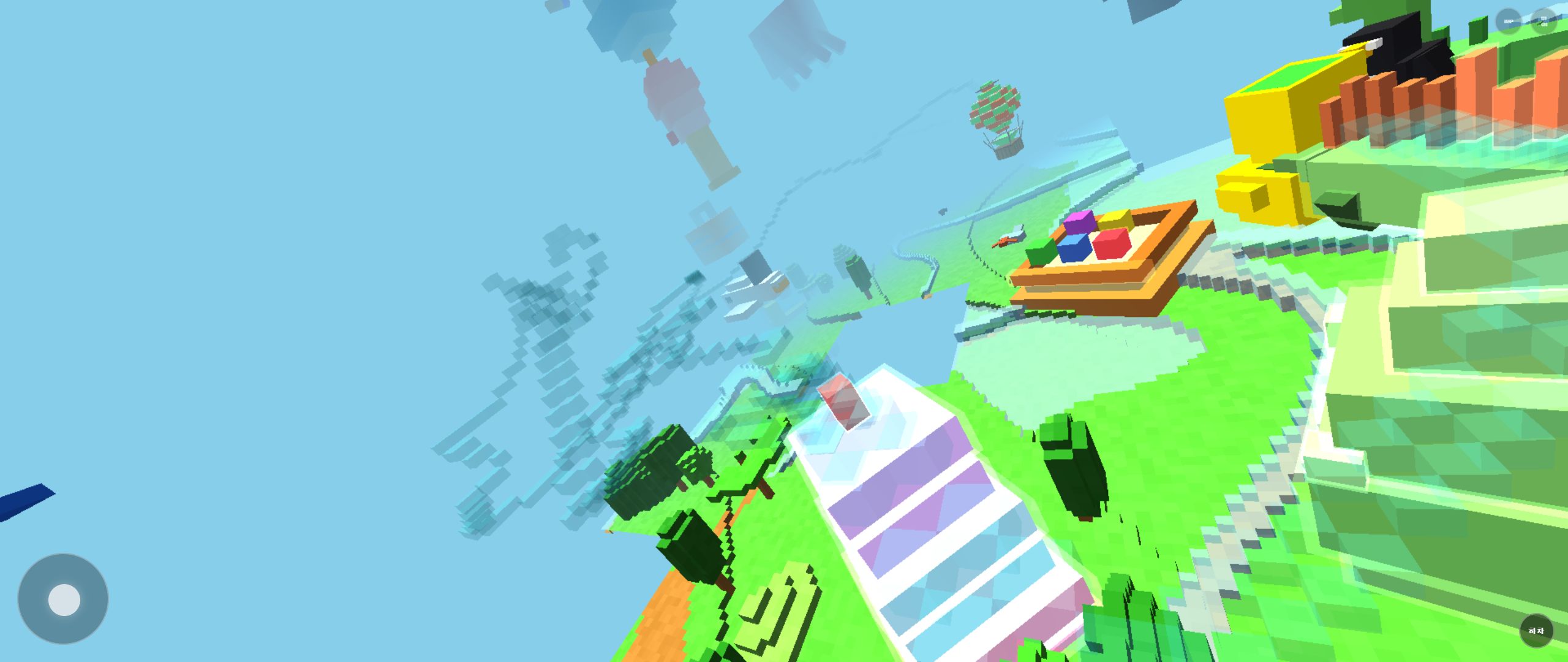
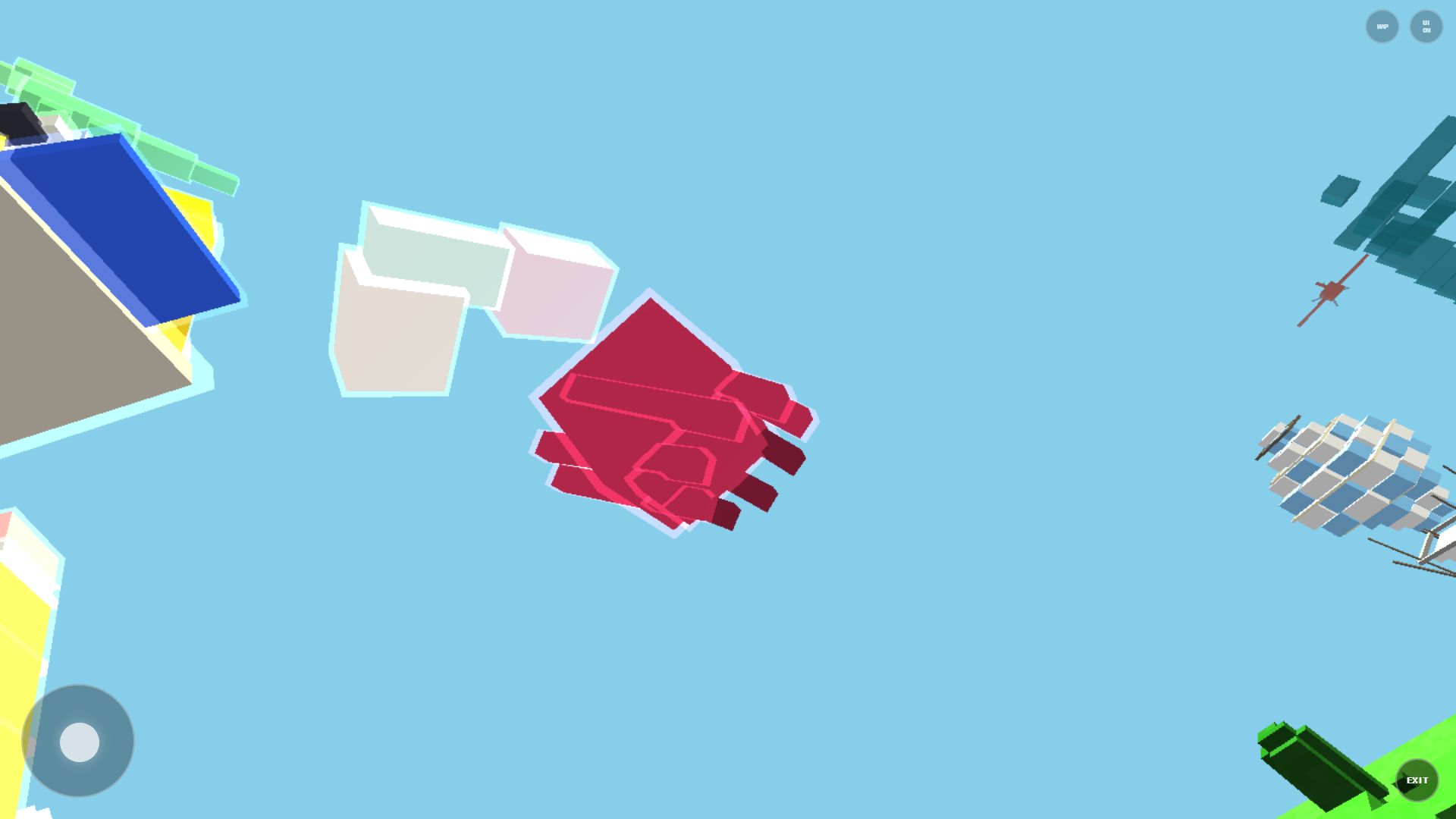
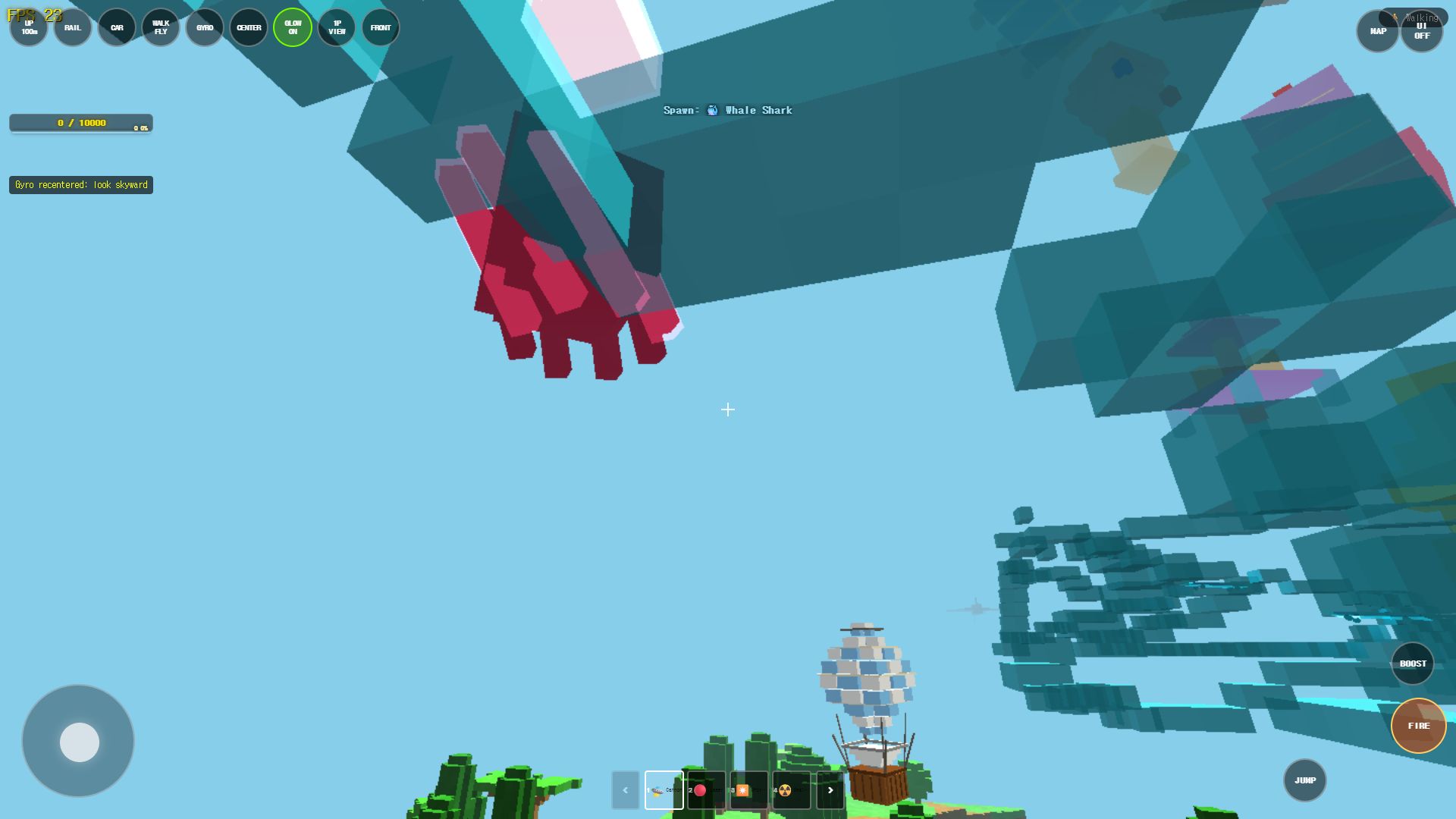
The Antarctic Tundra frames below are not a staged defect. They demonstrate the normal context, camera framing, and HUD details that make a real report reproducible.
Before you report
A few quick checks first:
- Refresh the page. Many temporary issues are fixed by a simple reload.
- Check your browser. Make sure WebGL is enabled. Rail Planet requires WebGL to render the 3D world.
- Try a different map. If one map is broken, try another one. If all maps are broken, the issue is likely your browser or device.
- Check performance settings. Review our Performance Settings Guide for recommended render distance and glow options before reporting low frame rates.
How to submit a bug report
- Go to the Contact page.
- Select Error report as the inquiry type.
- Fill in the form with the following information:
What to include in your report
The more detail you provide, the faster we can diagnose the issue. Please include:
| Field | What to write |
|---|---|
| Subject | A short description of the bug (e.g. "Manhattan map freezes after 5 minutes") |
| Message | A detailed description of what happened, what you expected to happen, and the steps to reproduce it |
| Device | What device you are using (PC, mobile, Windows desktop app) |
| Browser | If on PC or mobile, which browser and version |
| Map | Which map the bug occurred on |
Example message:
I was playing on the Manhattan map for about 5 minutes. I was driving a car near the Empire State Building when the game froze. The screen stopped updating but the music kept playing. I refreshed the page and it happened again after a few minutes. I am using Chrome on Windows 11.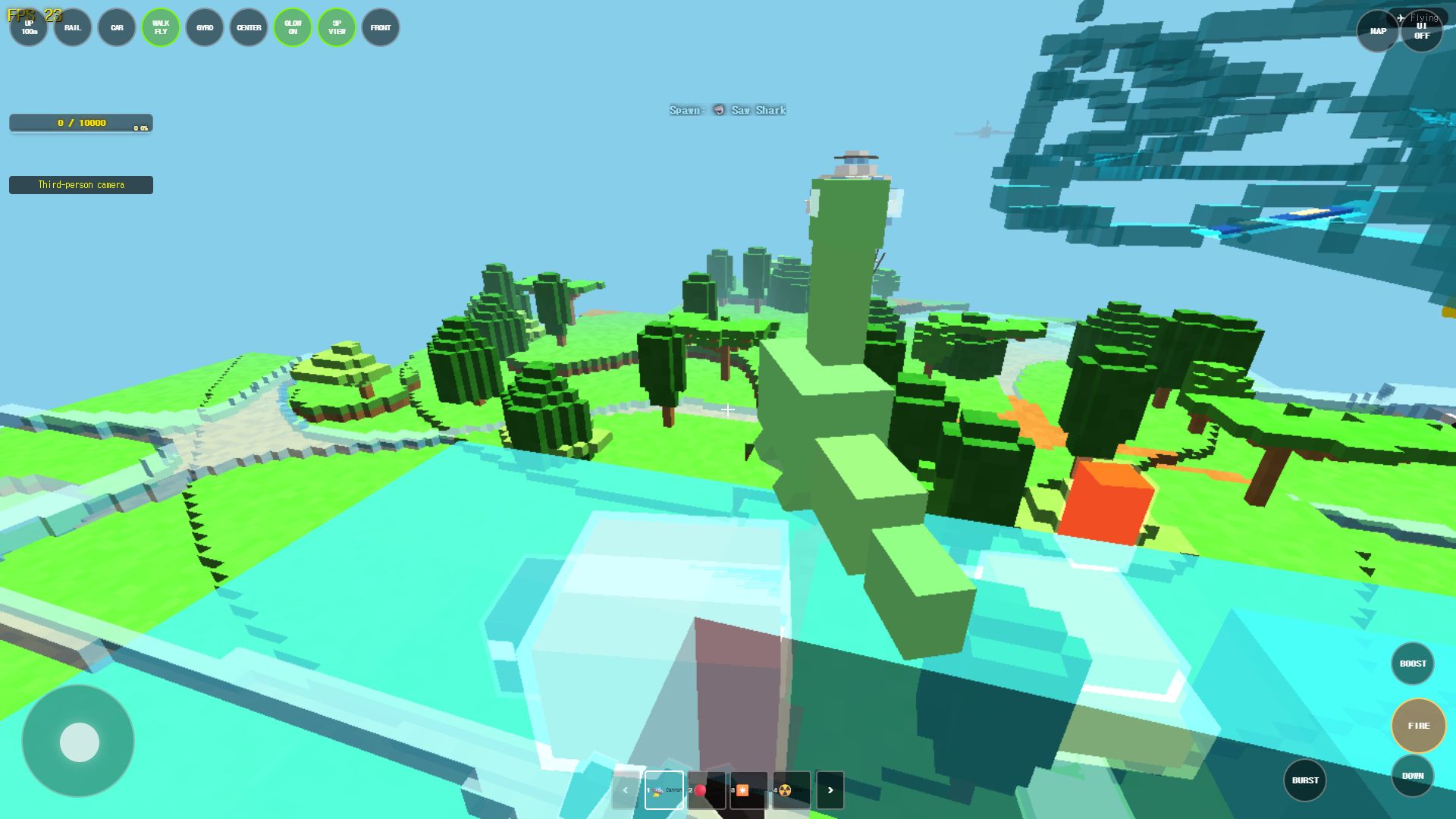
The example wording is a reporting format, not a claim that the freeze currently occurs on Antarctic Tundra. Replace it with only the behavior you personally observed.
What happens after you submit
Moashoo usually reviews error reports within 3–7 business days. If we need more information, we will reply to the email address you provided. Bug reports are prioritized by severity and how many players are affected.
Resolved Engineering Notes & Known Behaviors
To help players distinguish between active defects and intentional engine constraints, here are three frequently queried behaviors and their technical resolutions:
1. Manhattan Building Demolition & Geometry Flush (Resolved)
- Reported behavior: In earlier test builds, rapid sequential demolition of skyscraper clusters caused gradual tab slowdown.
- Resolution: Implemented automatic buffer disposal for collapsed chunk meshes. Once debris particles dissipate, modified voxel blocks are merged into the persistent chunk buffer and auxiliary collision nodes are flushed.
2. Pointer Lock & Escape Key Menu Synchronization
- Reported behavior: Tapping Escape to open the pause menu occasionally left the camera slightly offset or queued a jump input upon resume.
- Resolution: In the renewed menu contract, triggering Escape immediately halts mouse delta tracking, resets velocity buffers, and freezes entity physics until Return to game is clicked.
3. Automatic RENDER_DIST=5 on Mobile Manhattan
- Reported behavior: The render distance slider does not allow values above 5 when playing Manhattan on a mobile browser.
- Engine behavior: This is an intentional safeguard. Manhattan features the highest building polygon density in Rail Planet; capping the radius prevents browser WebGL context losses while reducing peak memory load and avoiding browser tab crashes on memory-constrained mobile devices.
Related guides
Play the related Rail Planet maps
Continue from this field-tested guide into the original browser game developed by Moashoo.
Related guides
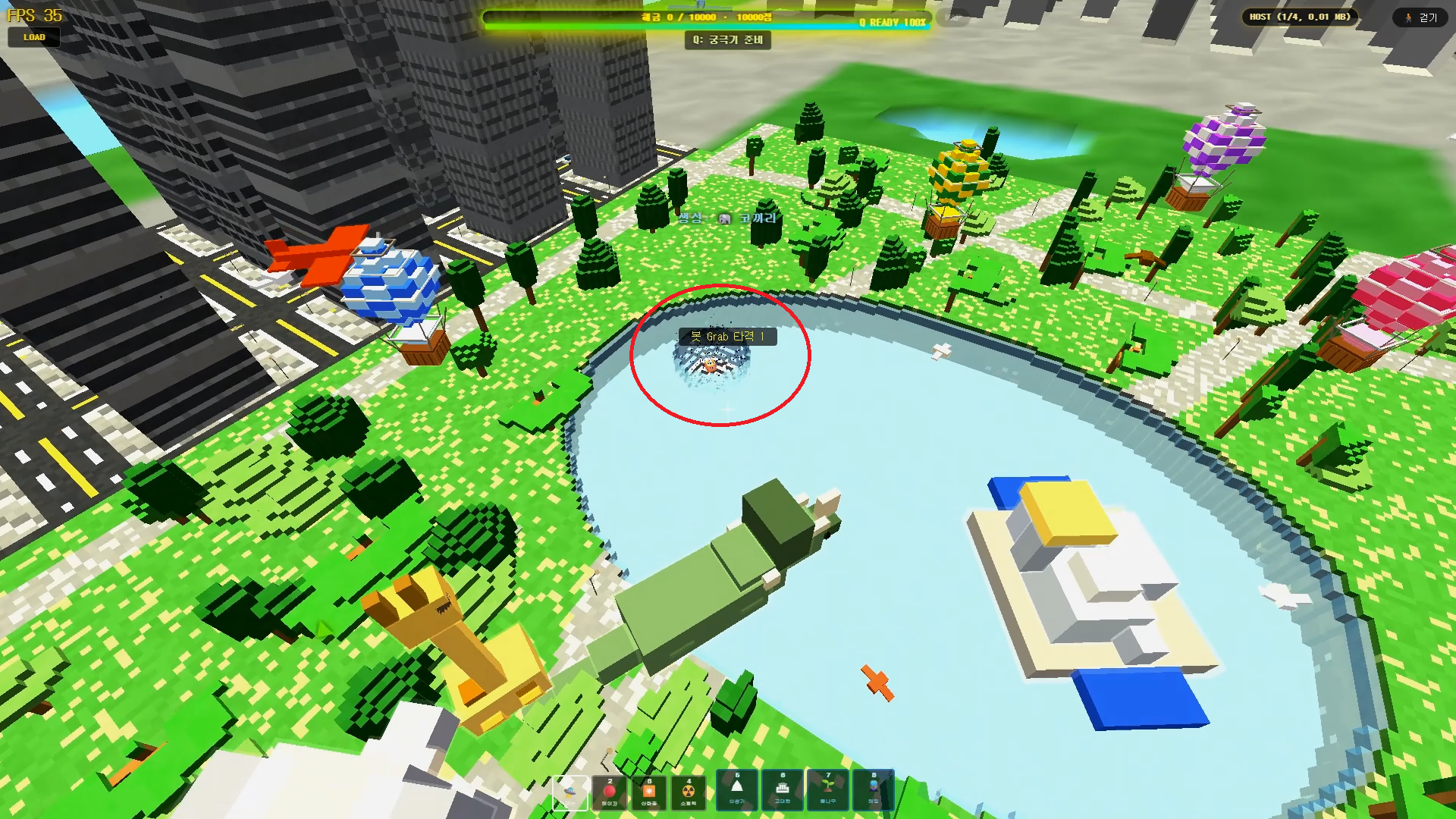
Rail Planet Close-Combat Guide: Grab, Lift, and Throw an Enemy Into the Sky
Rail Planet is not just a shooting game. Learn how the close-combat Grab system works — snap back at a target, chain vertical jumps, and slam an enemy into the ground or a lake. Works against bots and multiplayer players, with no eliminations and no end to the fun.
Read guidearrow_forward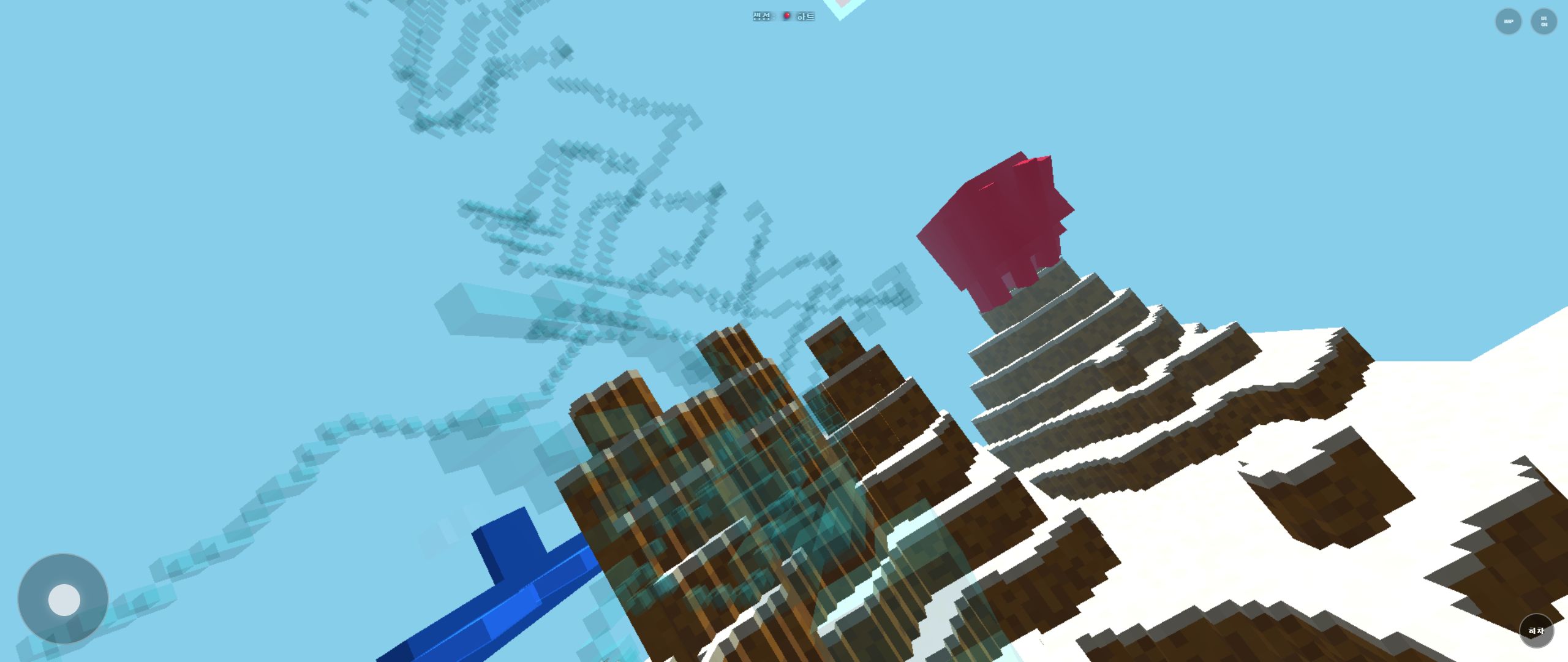
Rail Planet Controls: Walk, Fly, Drive, and Ride the Rails
Master Rail Planet's movement and combat: two distinct spawn modes, walking, flying, vehicle driving, automatic rails, weapons, and terrain skills. Tested on the October 12 menu build.
Read guidearrow_forward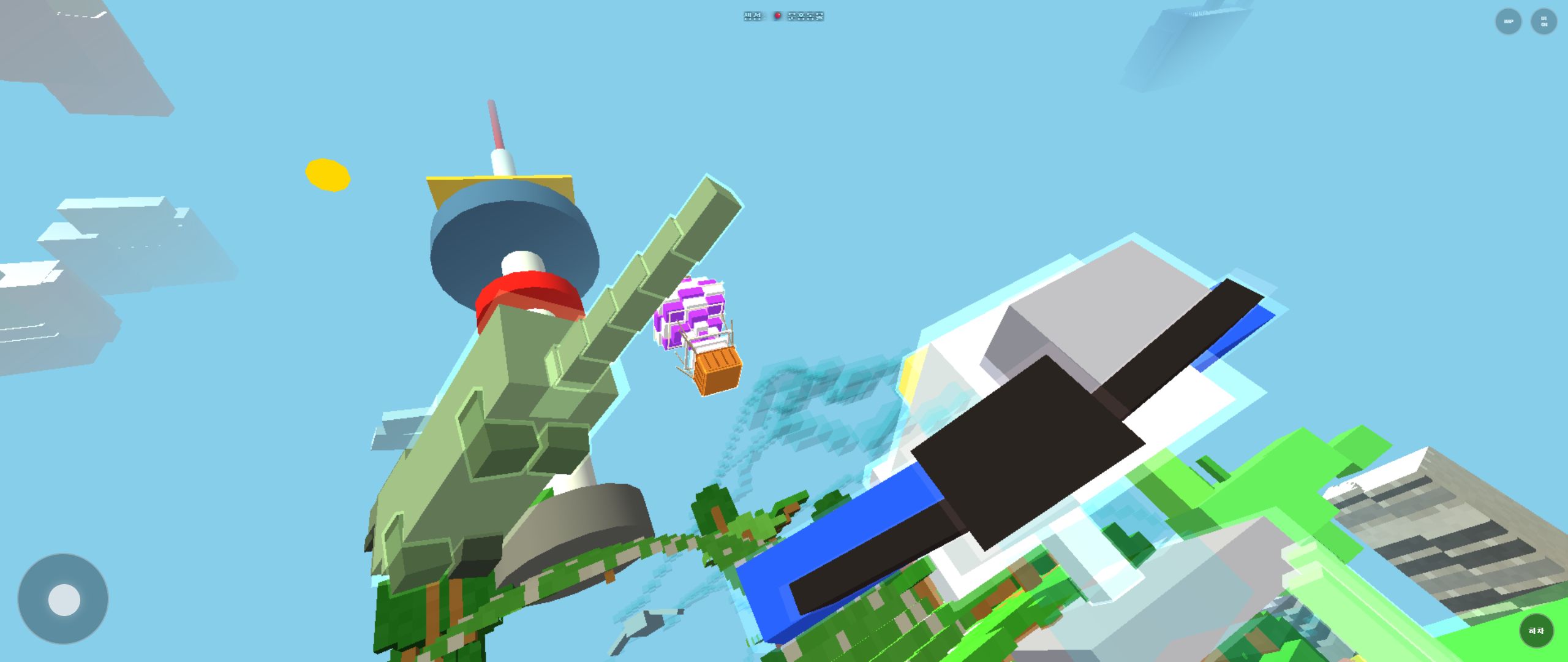
Rail Planet First-Play Guide: Finding Your Way Around the City Park Map
What to do in your first ten minutes of Rail Planet: locate the pond, the yellow landmark, and tall buildings, then move between aerial and ground views without getting lost.
Read guidearrow_forward