Rail Planet and Minecraft: Compatibility and Disclaimer
Written and reviewed by: Moashoo Rail Planet Development Team
Tested build: 2026-09-03 web build · Tested on: Chrome desktop on Windows
Language status: Original
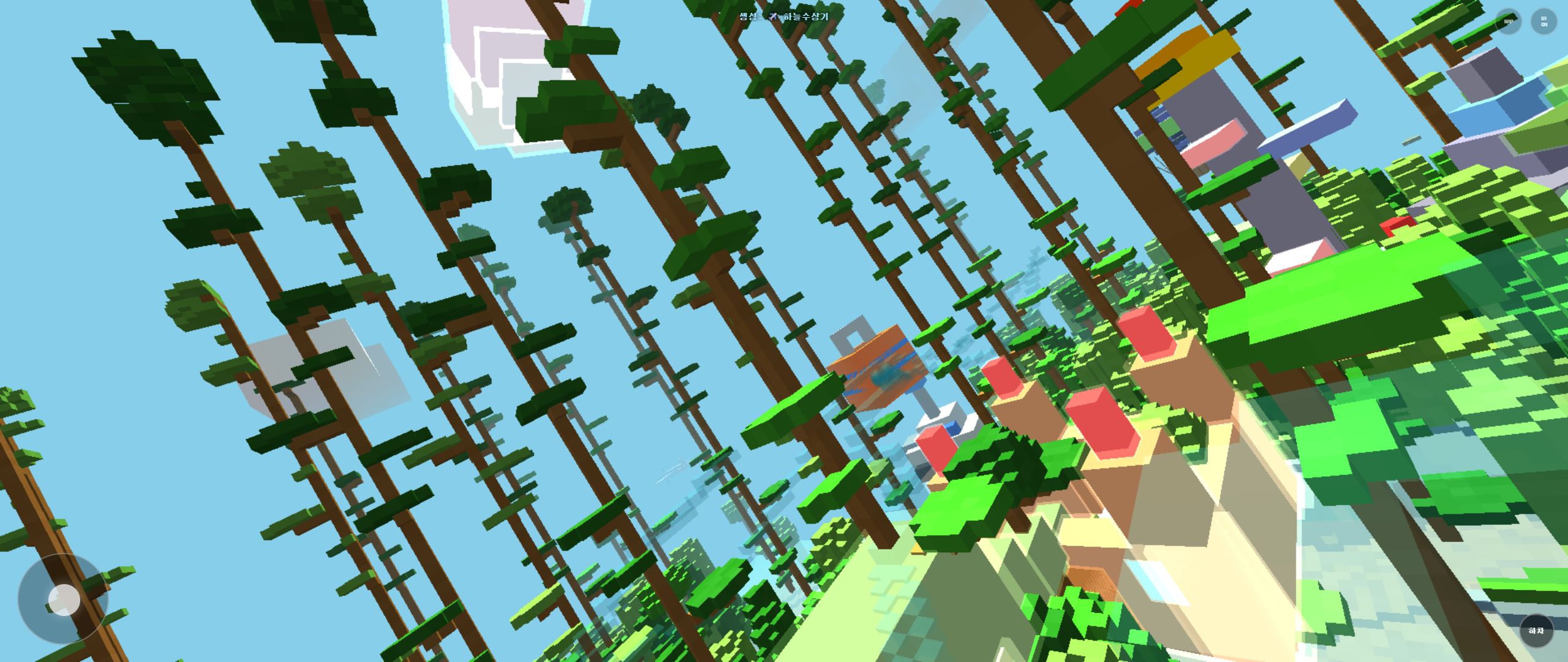
Rail Planet includes a feature that lets you import Minecraft worlds as terrain. This page explains what that means, what the relationship is between Rail Planet and Minecraft, and what you should know before using the importer.
Important disclaimer
Rail Planet is not an official Minecraft product. It is not approved by or associated with Mojang Studios or Microsoft. Minecraft is a trademark of Mojang Studios.
The game itself and the Minecraft map importer feature are built by Moashoo as a separate project. The importer reads .zip files containing Minecraft world data (Java Edition) and converts the terrain into Rail Planet's voxel format so you can explore it on rails.
What the Minecraft map importer does
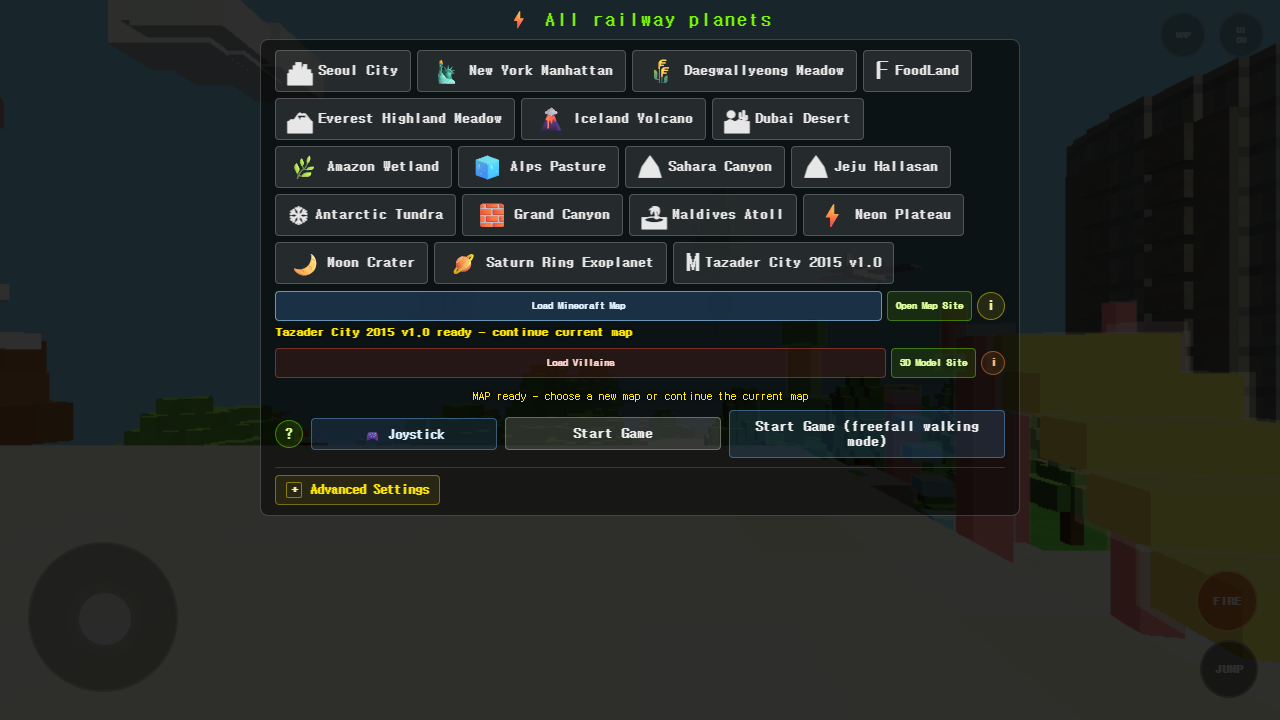
- Loads a Minecraft Java Edition world from a .zip file you provide.
- Converts the terrain (blocks) into Rail Planet's voxel format.
- Places you on the imported terrain so you can explore, destroy, and ride rails across it.
What the importer does NOT do
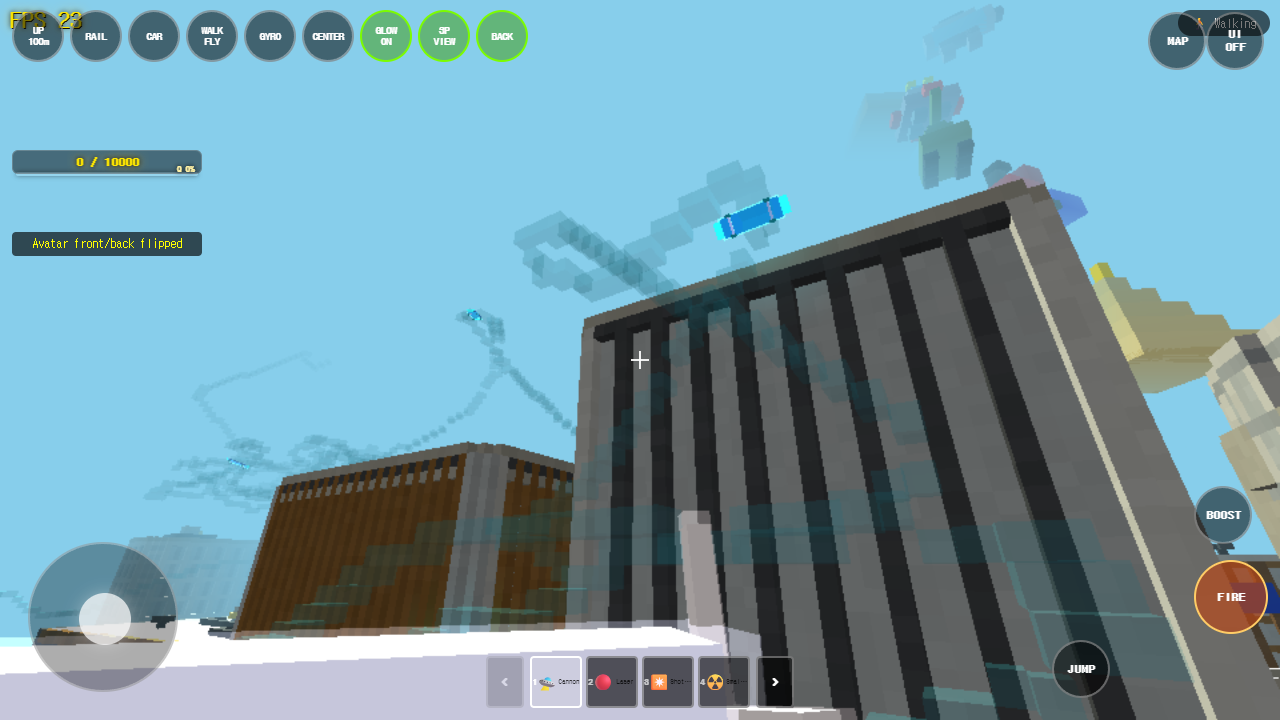
- Use any Minecraft source code or assets. The importer reads the world format, which is a documented file structure.
- Connect to any Minecraft server or account.
- Include Minecraft textures, skins, mobs, or entities.
- Support Minecraft Bedrock Edition worlds.
Where to get Minecraft maps
The game menu includes a link to MinecraftMaps.com, a third-party site that hosts community-created Minecraft worlds. Please note:
- MinecraftMaps.com is operated by its own providers.
- Moashoo does not control its ads, accounts, downloads, payments, safety, or terms.
- Visiting external sites, downloading files, and importing them into Rail Planet is your responsibility.
How to use the importer
- Download a Minecraft Java Edition world from a site like MinecraftMaps.com.
- In Rail Planet, open the menu and select Minecraft Map Import.
- Choose the .zip file and confirm.
- The terrain loads and you can explore it on rails.
Reporting issues
If you encounter a problem with the importer, use the Contact page and select Error report as the inquiry type. Include the name of the map you tried to import.
Related guides
NOT AN OFFICIAL MINECRAFT PRODUCT. NOT APPROVED BY OR ASSOCIATED WITH MOJANG OR MICROSOFT. Minecraft is a trademark of Mojang Studios. Rail Planet and Moashoo are not affiliated with, sponsored by, approved by, or operated with MinecraftMaps.com.
Related guides
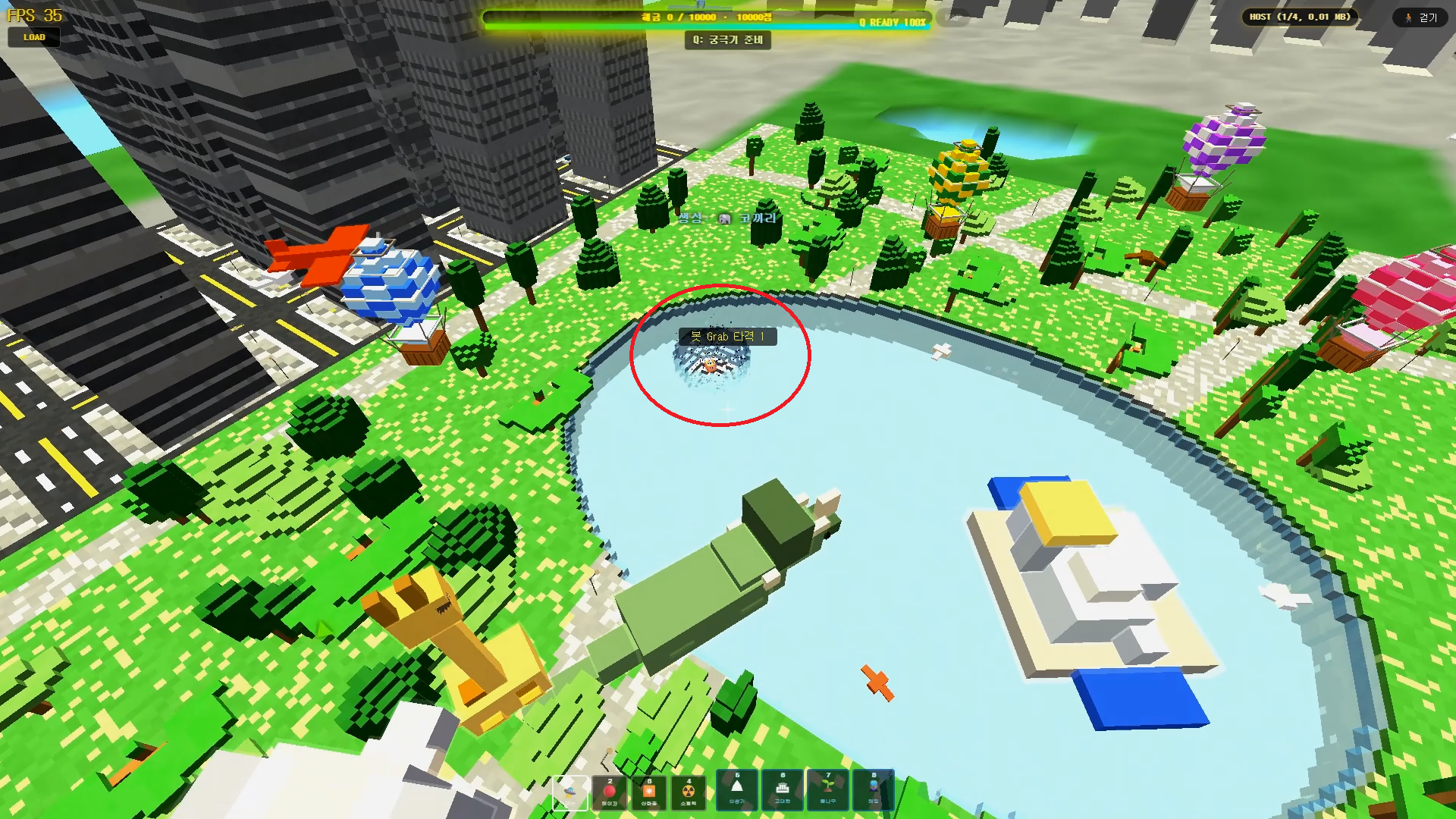
Rail Planet Close-Combat Guide: Grab, Lift, and Throw an Enemy Into the Sky
Rail Planet is not just a shooting game. Learn how the close-combat Grab system works — snap back at a target, chain vertical jumps, and slam an enemy into the ground or a lake. Works against bots and multiplayer players, with no eliminations and no end to the fun.
Read guidearrow_forward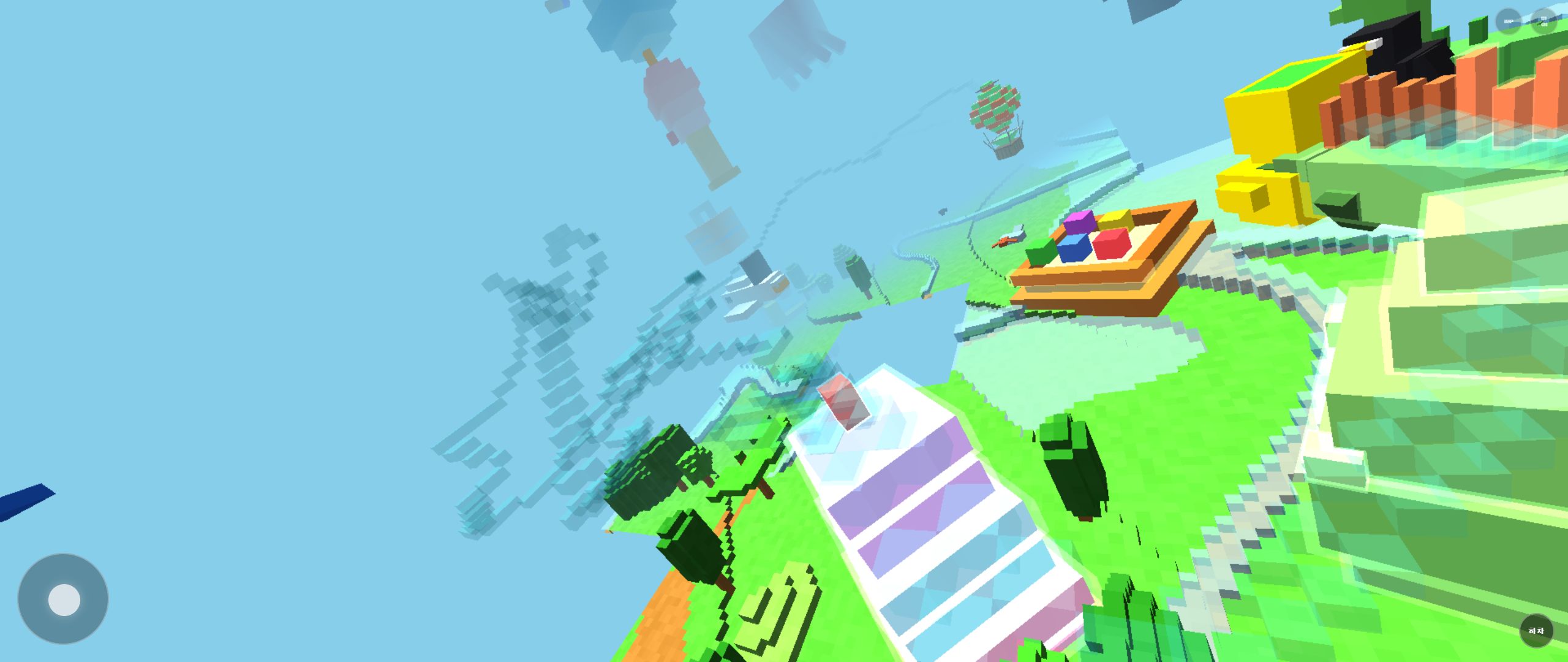
How to Report Bugs and Issues in Rail Planet
Found a bug in Rail Planet? This guide explains how to report it, what information to include, and how Moashoo handles error reports.
Read guidearrow_forward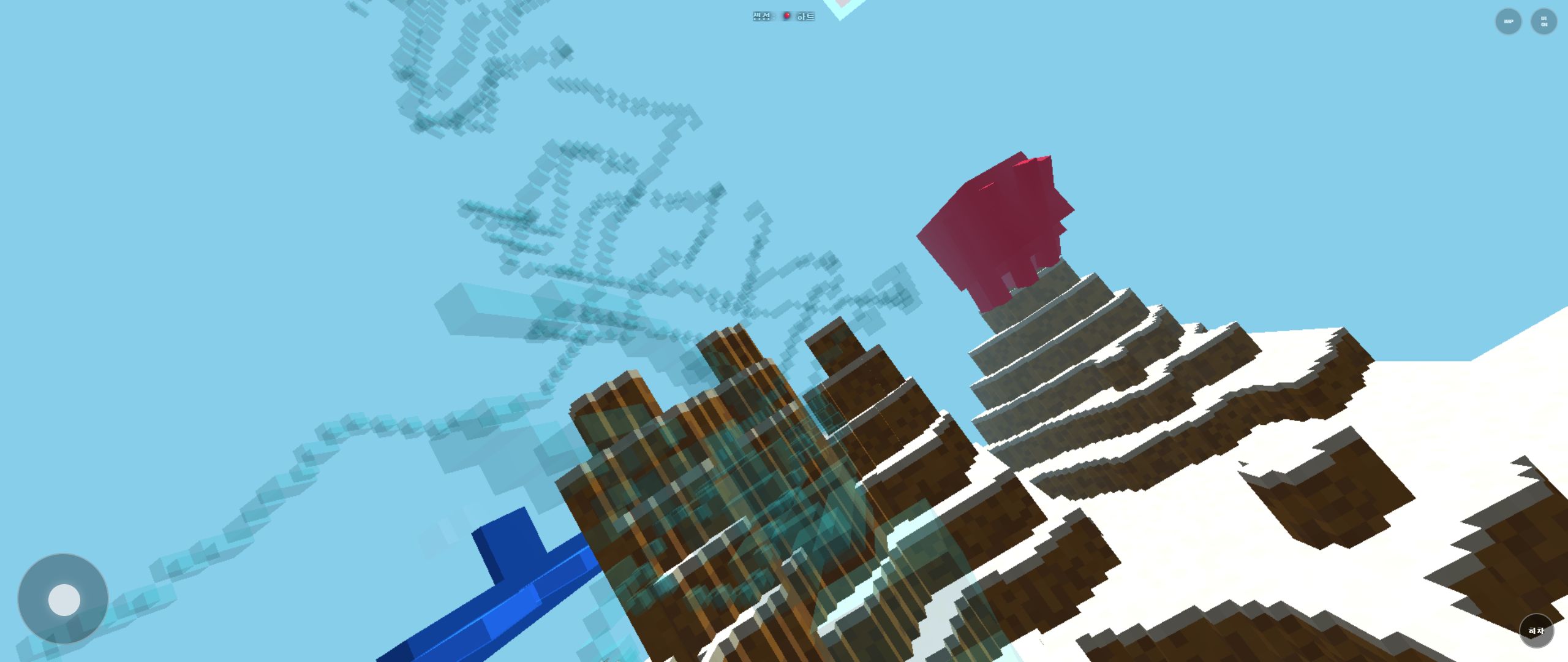
Rail Planet Controls: Walk, Fly, Drive, and Ride the Rails
Learn every control in Rail Planet: walking, flying, driving vehicles, riding rails, and switching between them. Covers keyboard, mouse, and the basics of weapon selection.
Read guidearrow_forward