Rail Planet FAQ: Common Questions from First-Time Players
Written and reviewed by: Moashoo Rail Planet Development Team
Tested build: 2026-09-03 web build · Tested on: Chrome desktop on Windows
Language status: Original
This FAQ collects the questions that come up over and over from new Rail Planet players. If you have a question that is not answered here, check the related guides linked at the bottom.
Getting started
What is Rail Planet?
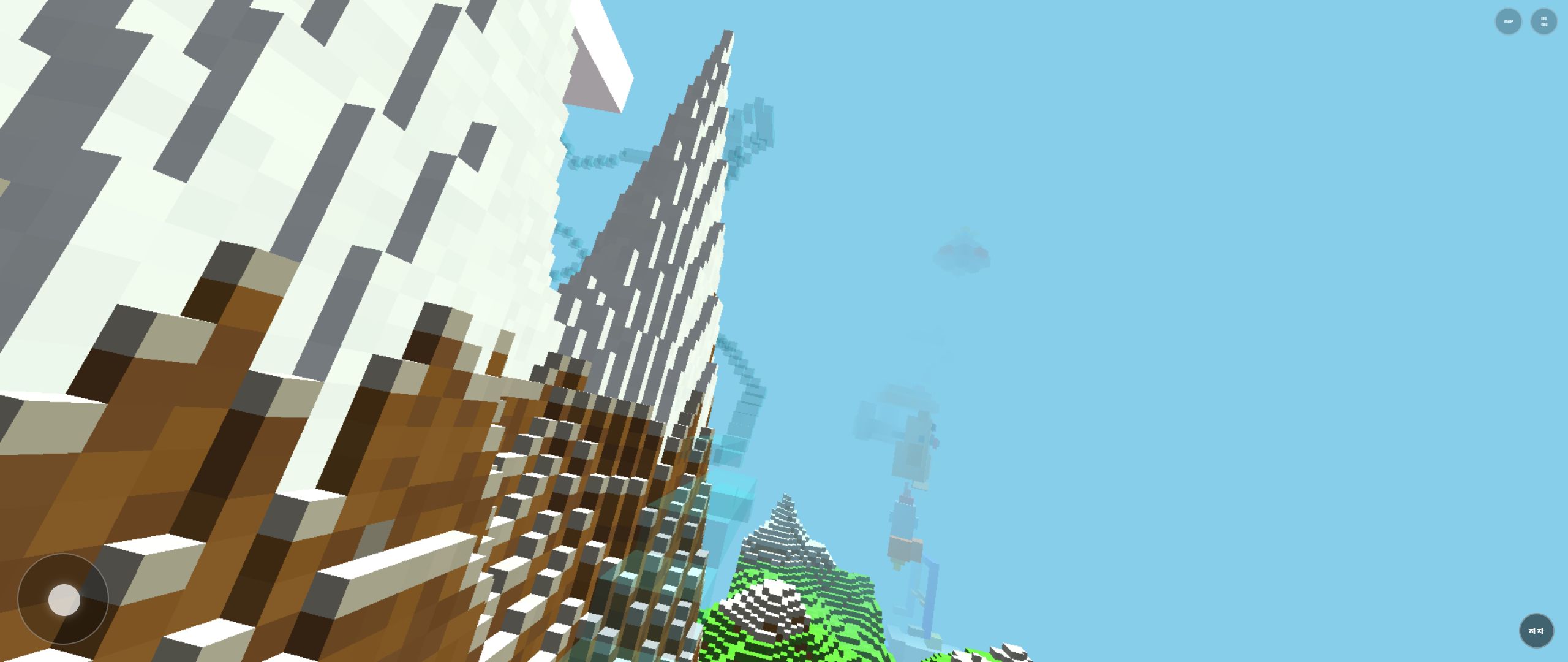
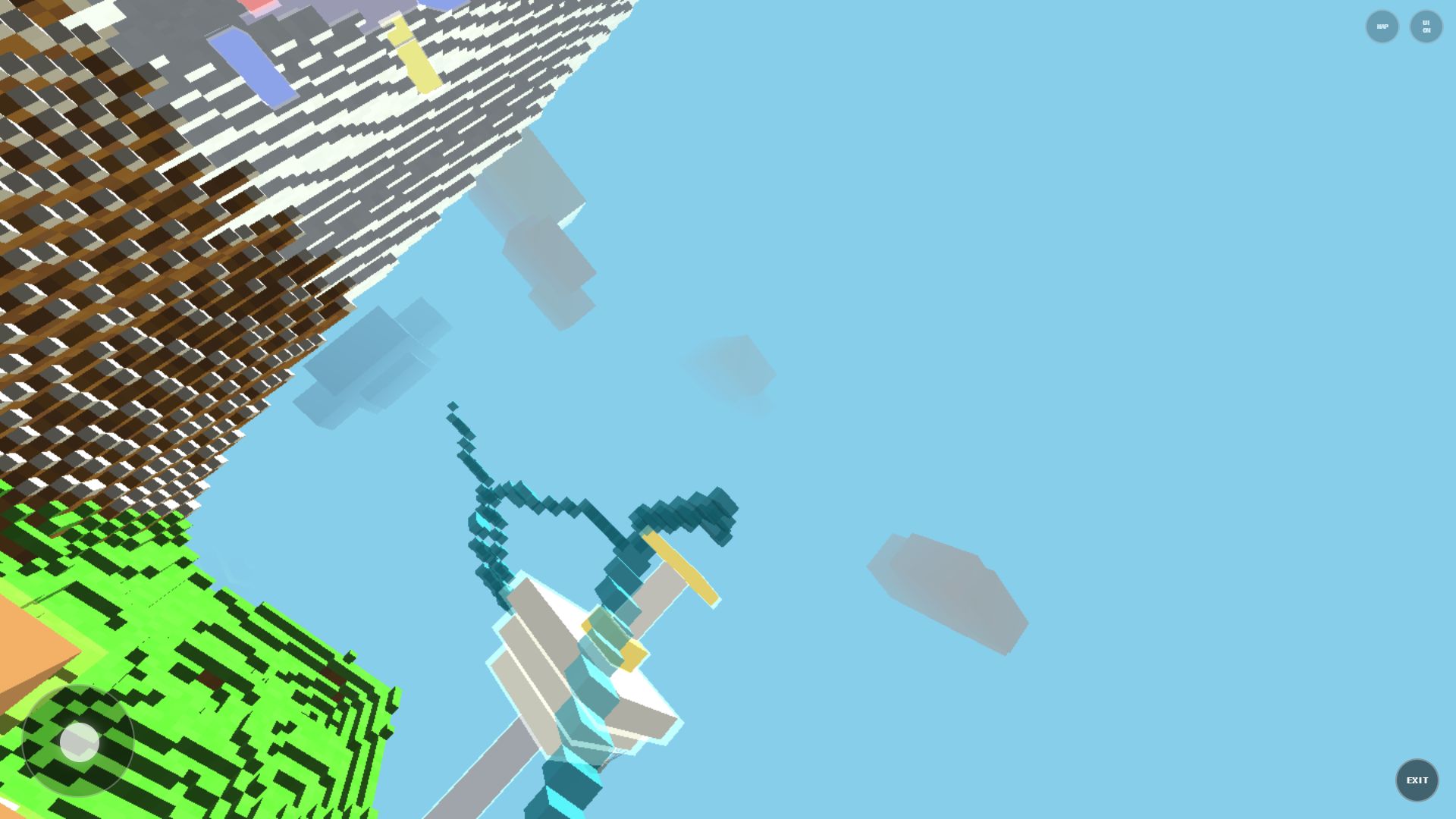
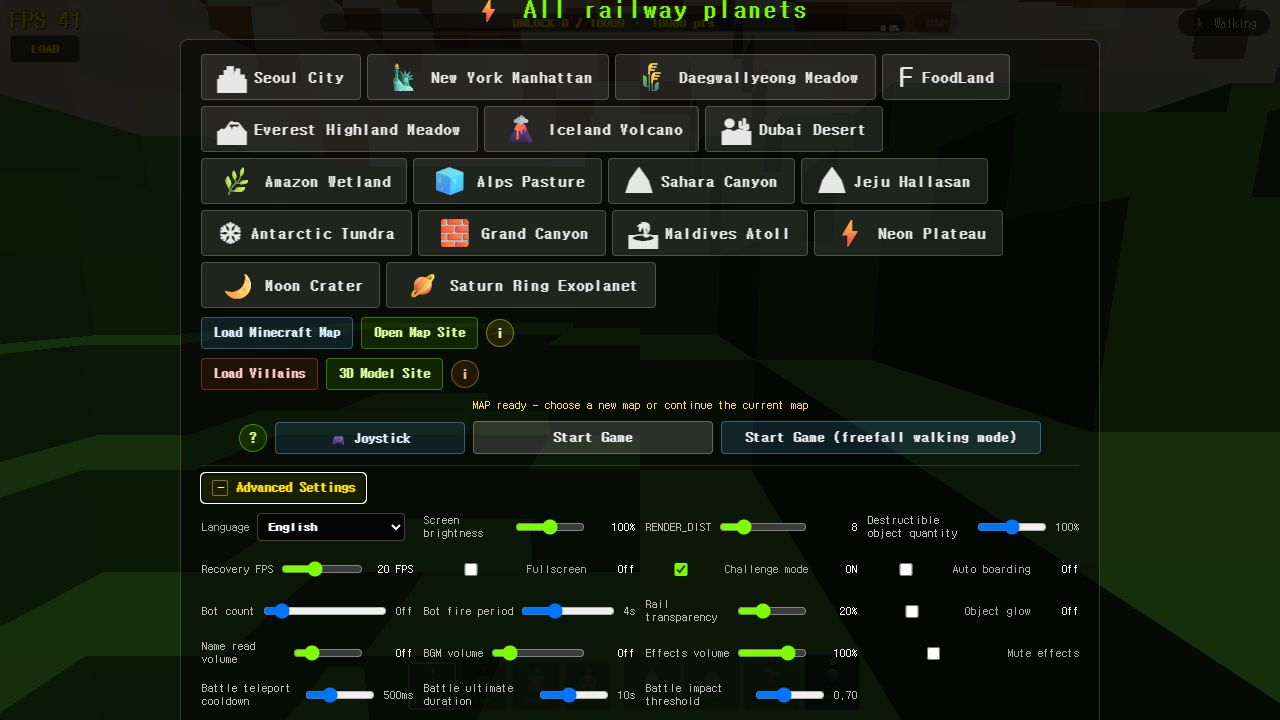
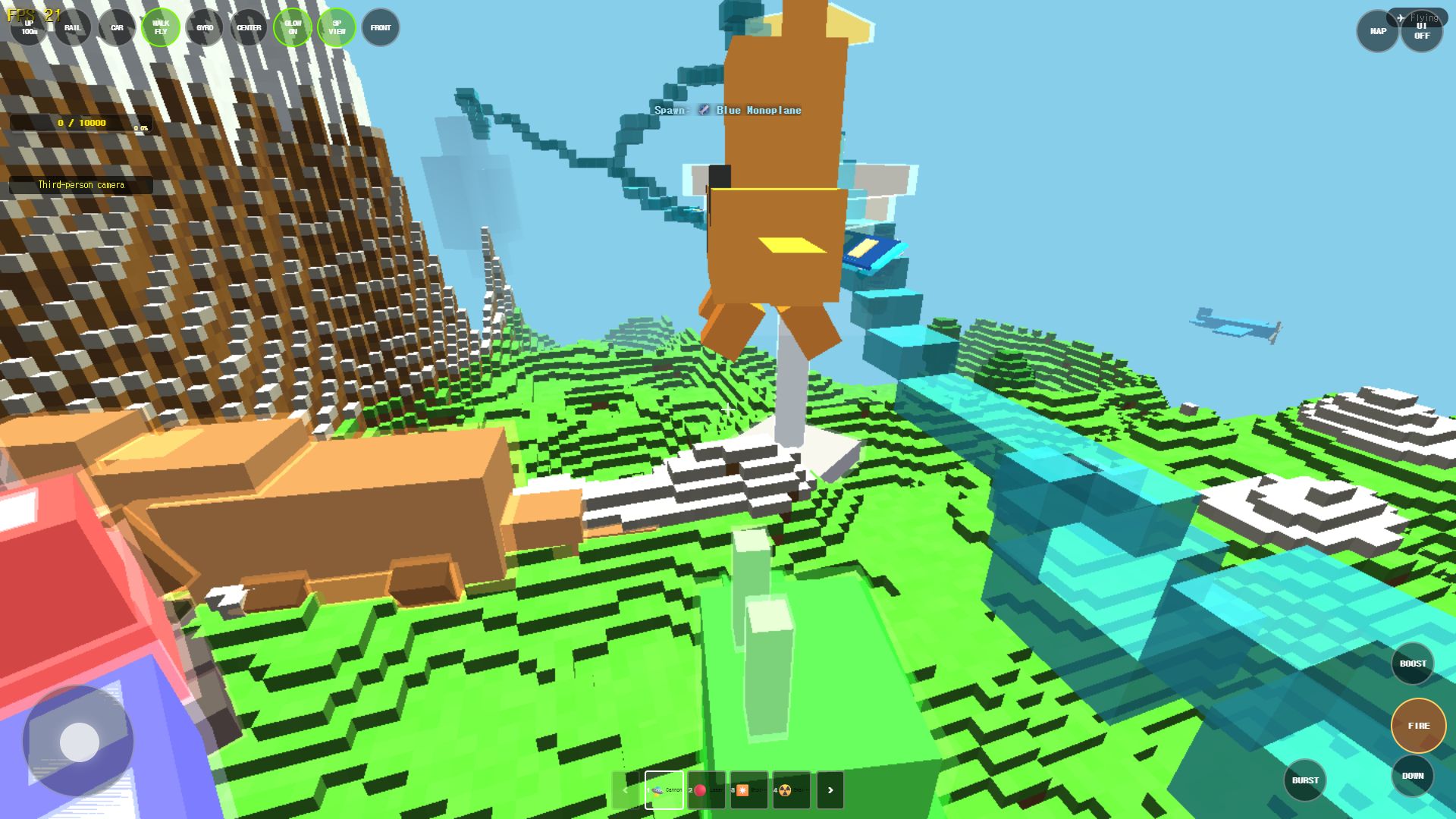
Rail Planet is a free browser-based exploration game where you travel across large maps on foot, in vehicles, and on rails. You can also destroy objects, reshape the terrain, and fight bots or other players. There are 16 different maps, from Seoul to the Moon.
Do I need to install anything?
No. Rail Planet runs in your browser. Just go to moashoo.com and click Play Now on any map card. There is also a Windows desktop app and an Android APK if you prefer offline play.
Which map should I start with?
Manhattan is the default first map and a good place to learn. It has a mix of city streets, skyscrapers, and open areas. Seoul is another beginner-friendly city map.
Performance
The game is slow or laggy. What can I do?
First, lower RENDER_DIST in the advanced settings (from 14 to 8 or 10). Then turn off Object Glow if your device is older. See the Performance Settings guide for a full walkthrough.
Does it work on mobile?
Yes. The game runs on mobile browsers, but Manhattan is locked to a lower render distance (5) on mobile to keep performance smooth. Tap the screen to fire, and use the on-screen joystick to move.
Why does the game not load?
Try refreshing the page. If that does not work, check that WebGL is enabled in your browser. On very old devices, the game may not load at all.
Gameplay
How do I ride the rails?
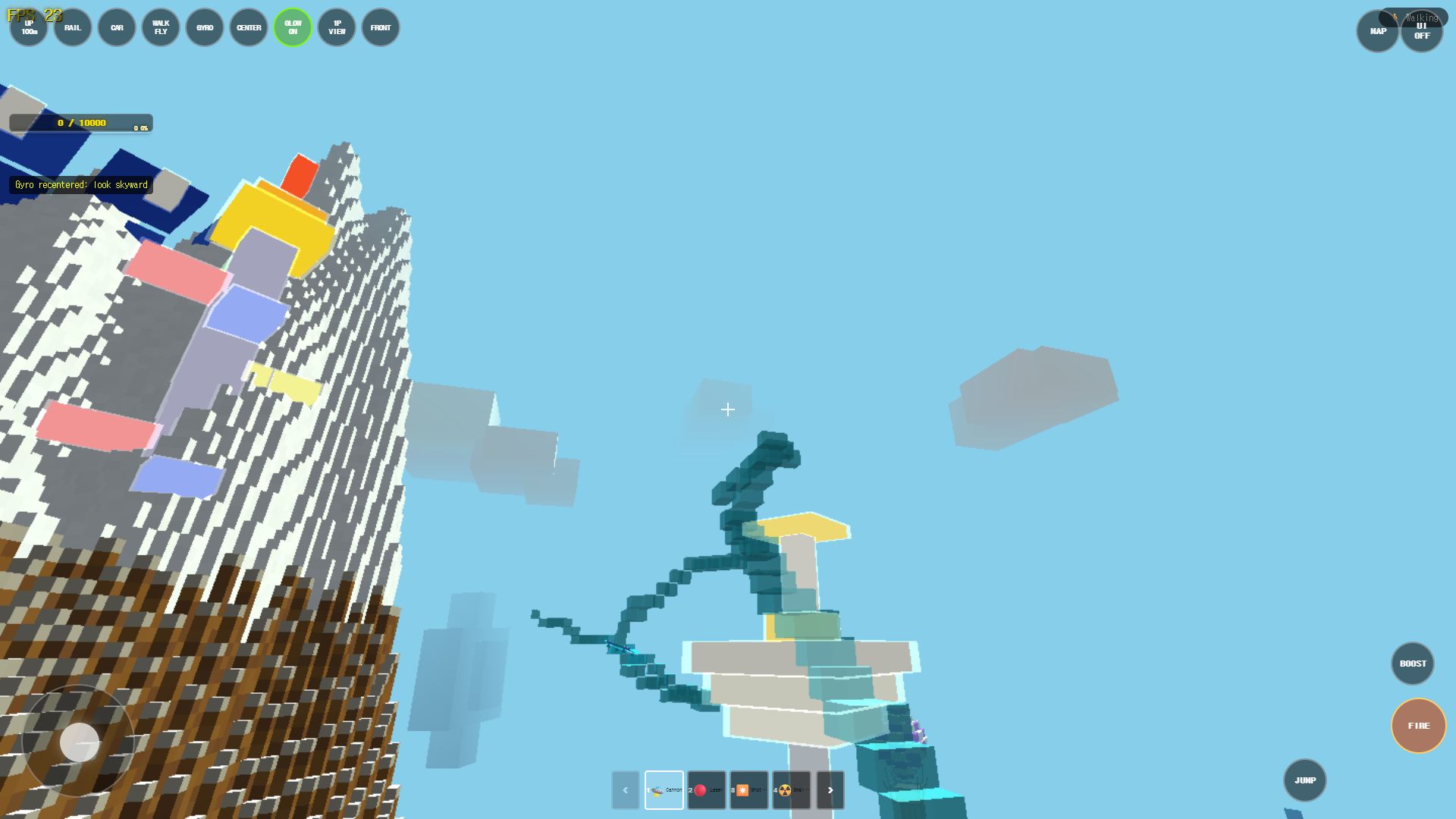
Press the R key. A rail is created and you board it automatically. The rail follows the terrain while you aim and fire. Press R again to exit.
Can I destroy buildings?
Yes. Most objects are destructible with weapons 1-4. Some landmarks (like the Empire State Building in Manhattan) are protected and cannot be destroyed.
How do I use the Grab & Throw close-combat move?
Get close to an enemy (a green triangle ▲ appears), build snapback with left-click, then grab and lift them into the air. See the Grab & Throw guide for the full walkthrough.
What are bots?
Bots are AI-controlled players that appear in single-player mode. You can fight them, grab them, and they will shoot back. They are marked with a red glow.
Can I play with friends?
Yes, through LAN multiplayer. The host opens a room, and other players on the same network can join. Check the Network Play section in the game menu for setup.
Safety and policies
Is Rail Planet safe?
Yes. The game runs in your browser and does not install anything. It does not collect personal data beyond what is described in the Privacy Policy.
Is Rail Planet related to Minecraft?
No. Rail Planet is not an official Minecraft product and is not associated with Mojang or Microsoft. The game includes a Minecraft map importer (your own .zip files), but the game itself is a separate project.
How do I report a bug?
Use the Contact page and select "Error report" as the inquiry type. We usually review reports within 3-7 business days.
Related guides
NOT AN OFFICIAL MINECRAFT PRODUCT. NOT APPROVED BY OR ASSOCIATED WITH MOJANG OR MICROSOFT. Minecraft is a trademark of Mojang Studios. Rail Planet and Moashoo are not affiliated with, sponsored by, approved by, or operated with MinecraftMaps.com.
Related guides
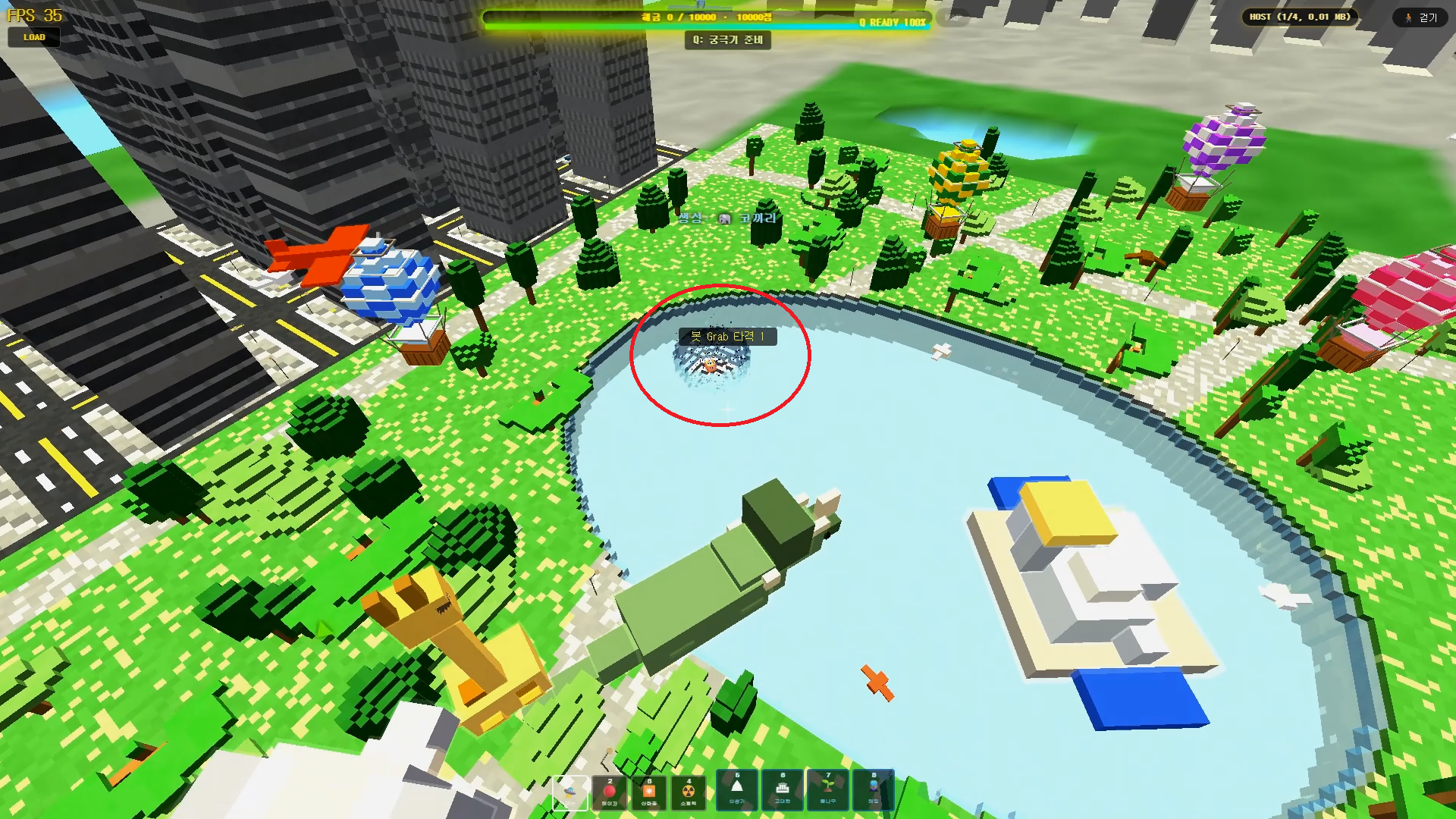
Rail Planet Close-Combat Guide: Grab, Lift, and Throw an Enemy Into the Sky
Rail Planet is not just a shooting game. Learn how the close-combat Grab system works — snap back at a target, chain vertical jumps, and slam an enemy into the ground or a lake. Works against bots and multiplayer players, with no eliminations and no end to the fun.
Read guidearrow_forward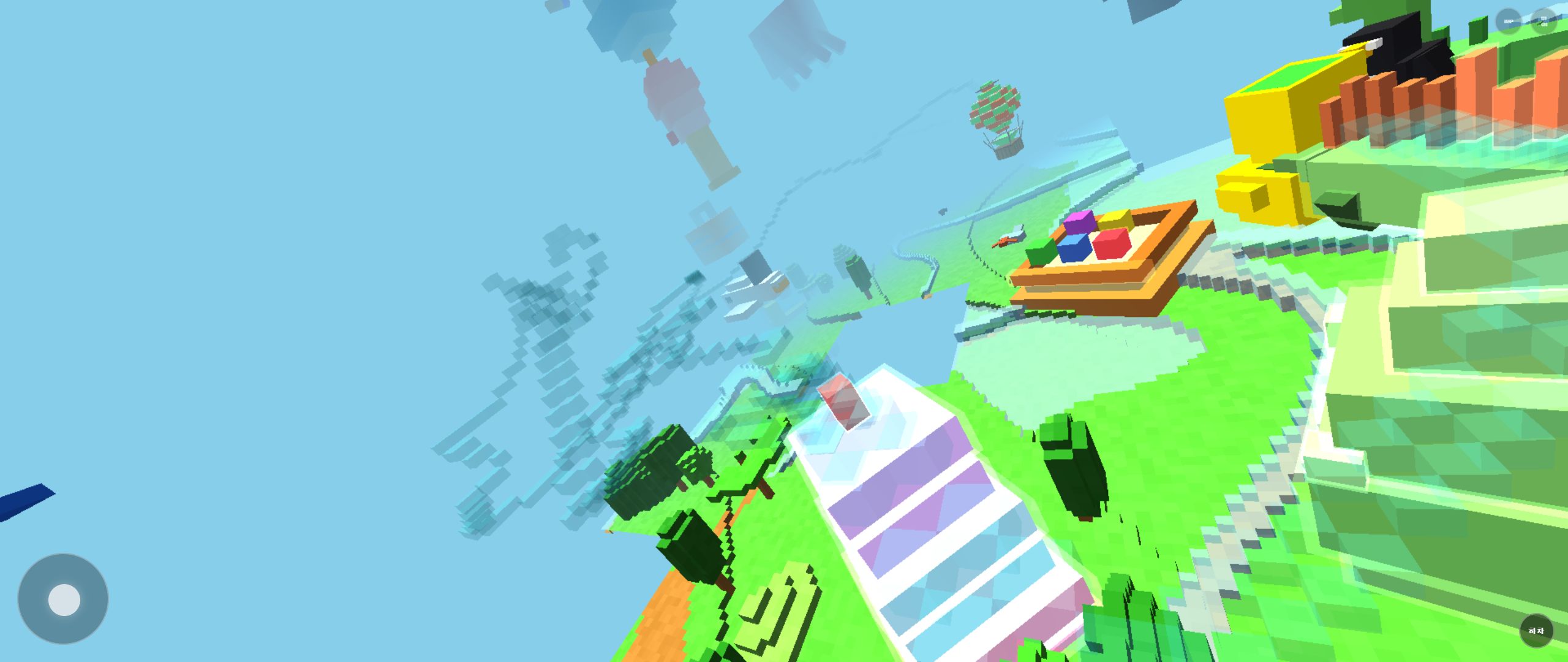
How to Report Bugs and Issues in Rail Planet
Found a bug in Rail Planet? This guide explains how to report it, what information to include, and how Moashoo handles error reports.
Read guidearrow_forward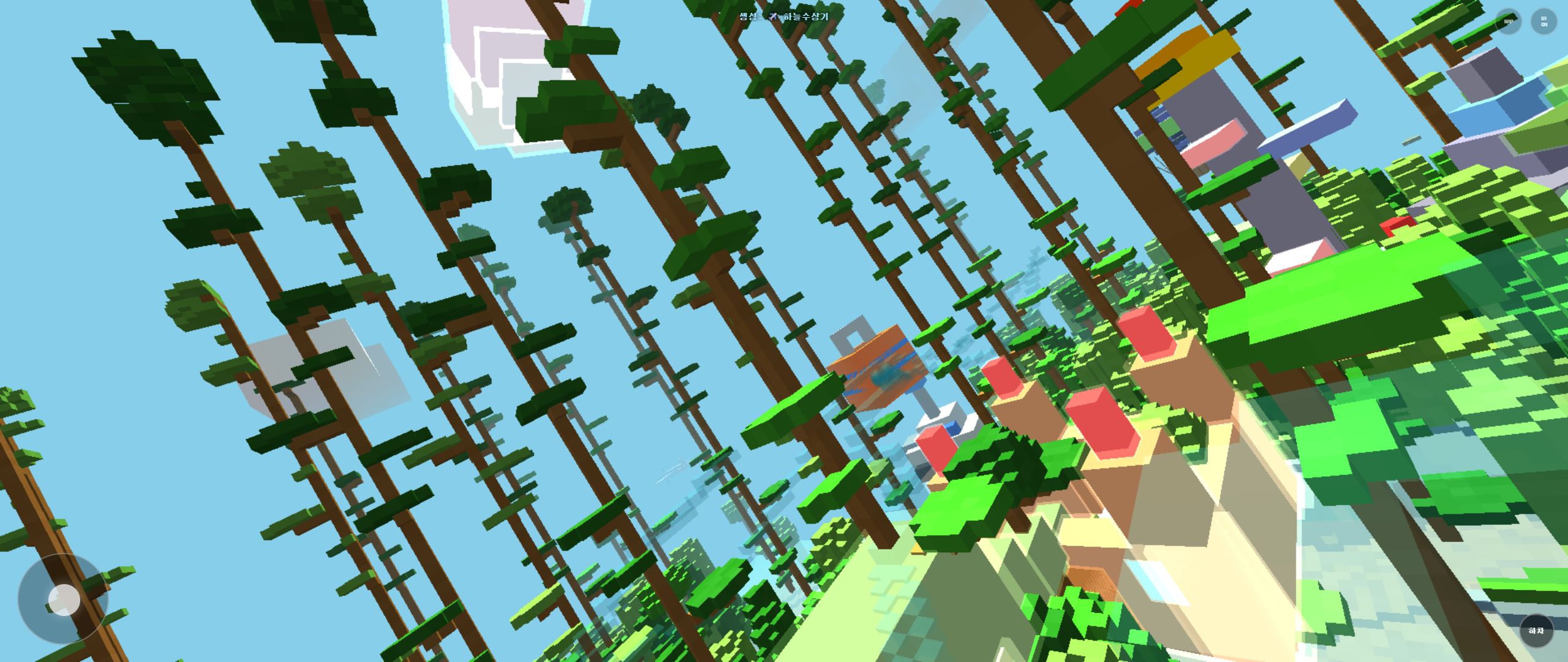
Rail Planet and Minecraft: Compatibility and Disclaimer
Rail Planet is not an official Minecraft product. This page explains the relationship, the Minecraft map importer feature, and the third-party disclaimer.
Read guidearrow_forward